XYAA6338 Service Manual 7-1
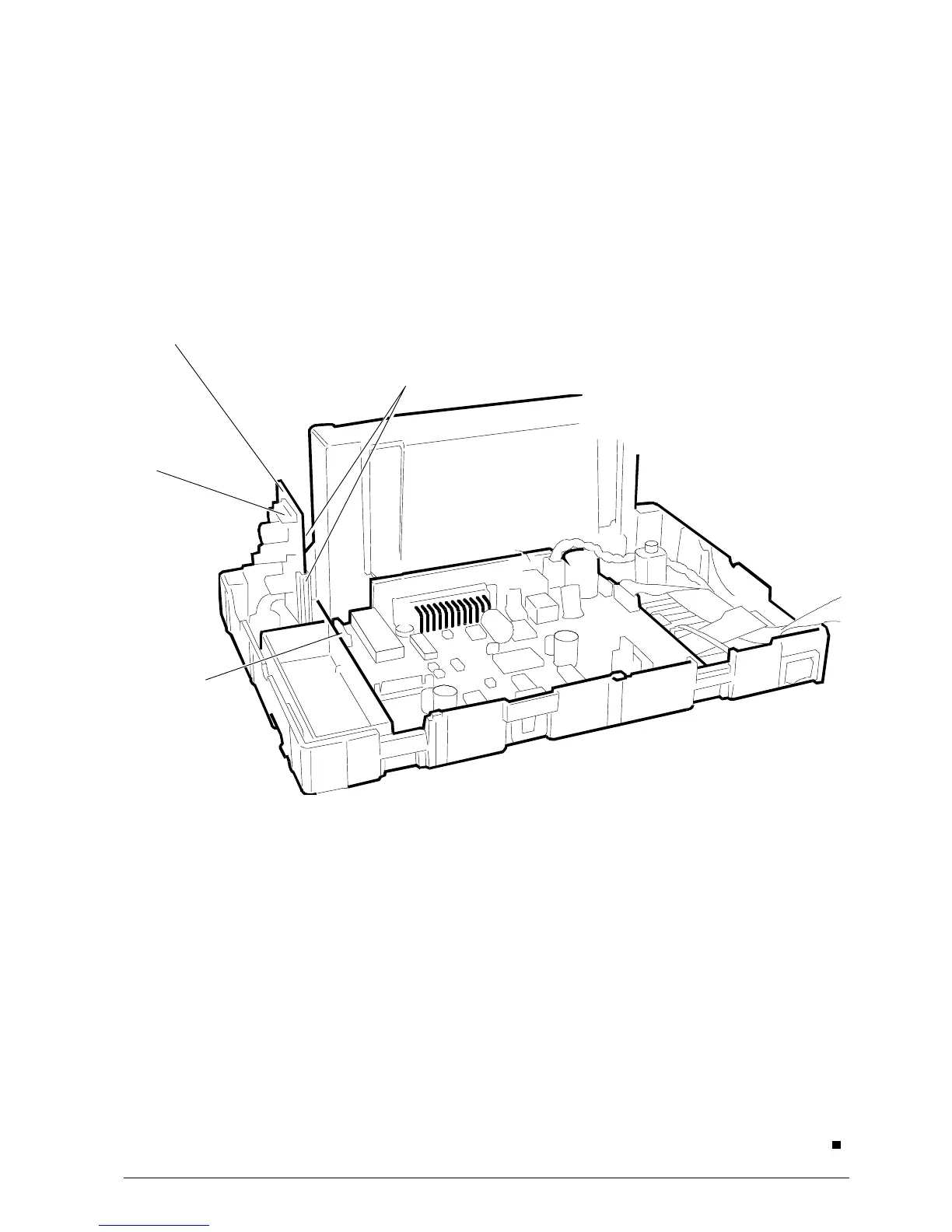
Fig. 7-1
• Open the machine by following the procedure
described in Section 5.2.
• Insert the card A into the appropriate slots B on the
printer base (see Figure 7-1) and then attach one
end of the connection cable to connector C on the
card and the other end to connector J9 on the main
board.
A
7. INSTALLING THE DRAWER
CARD OPTION
J9
.
B
C



 To Previous Page