6-6XYAA6338
Flashing LED 3
6.7.1 Photosensor Adjustments
After a reset the carriage moves to the far left position
where the first phase of the adjustment procedure is
carried out and which consists of multiple reads of the
photosensors in out of paper conditions.
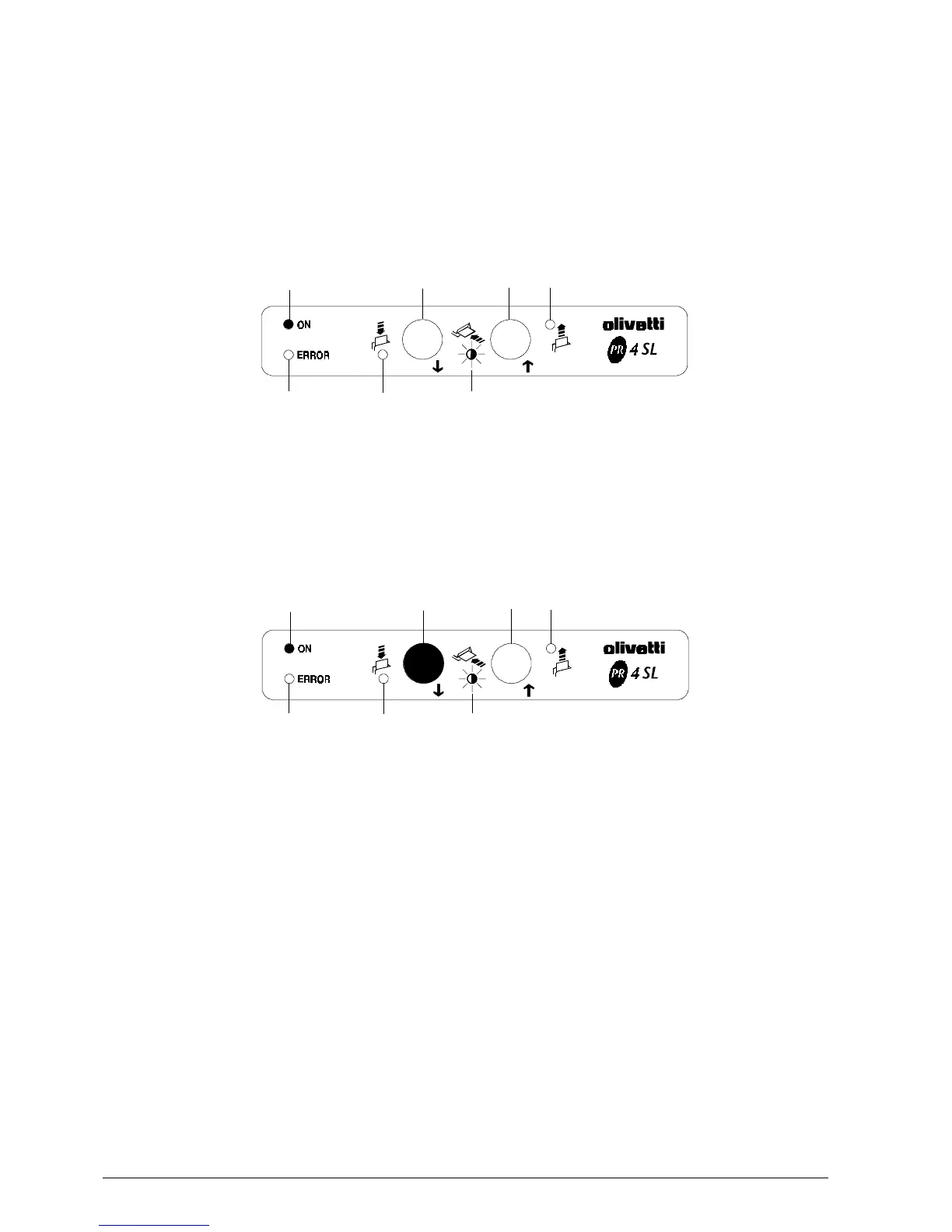
The console assumes the following configuration
during this phase:
Fig. 6-8
Operator Action
1. Insert the sheet of paper trying to keep it aligned
to the right as much as possible.
2. Press key 1 (SKIP).
Fig. 6-9
Printer Action
1. The carriage will move to the pressed roller
position.
Operator Action
1. Release the paper.
LED 1
LED 2
LED 4
Key 5
LED 3
Key 1
Key 2
LED 1
LED 2
LED 4
LED 5
LED 3
Key 1
Key 2



 To Next Page