XYAA6338 Service Manual 6-7
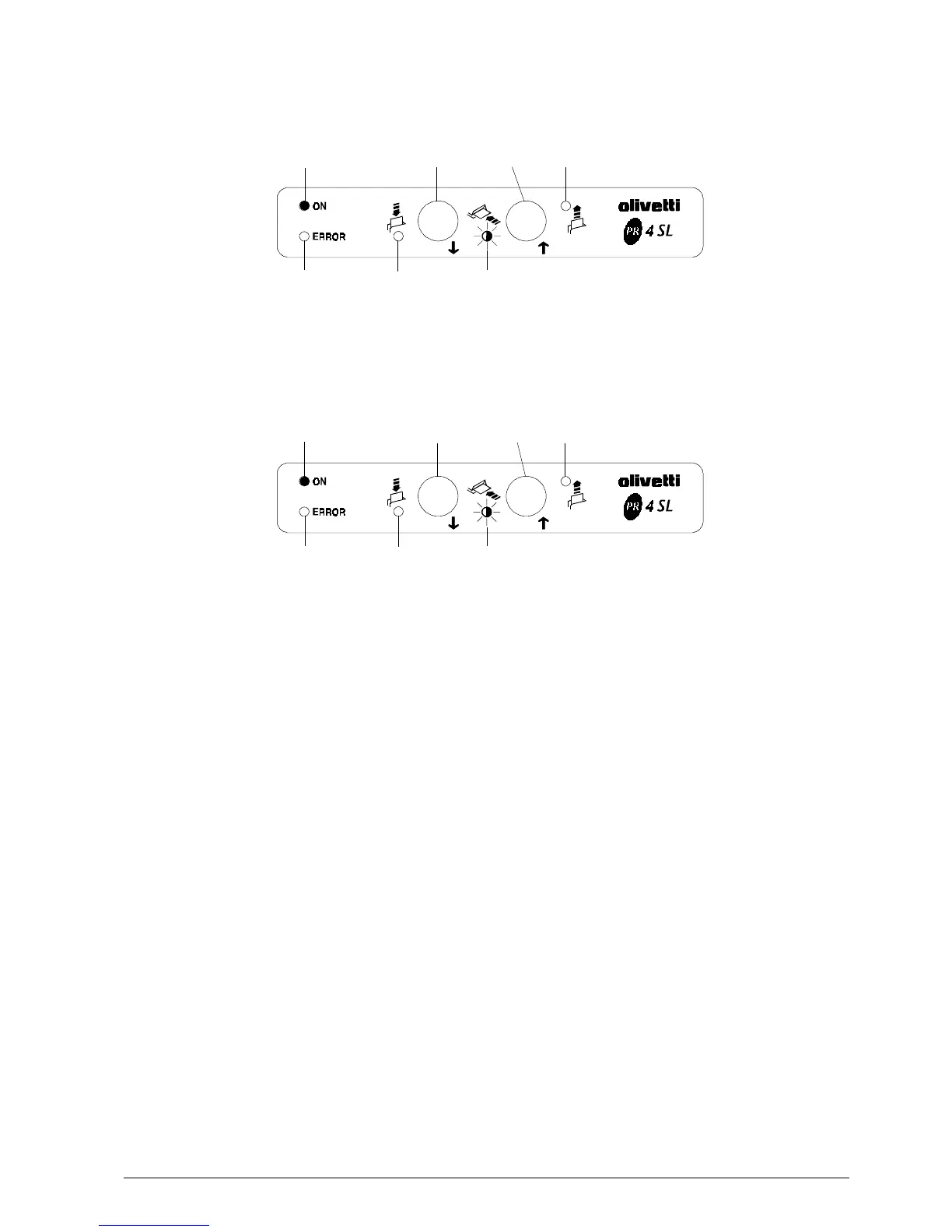
Fig. 6-10
Operator Action
1. Press key 2 (OK):
Fig. 6-11
LED 1
LED 2
LED 4
LED 5
LED 3
Key 1
LED 1
LED 2
LED 4
Key 5
LED 3
Key 1
Printer Action
1. Moves the paper in position, covering all the
photosensors.
2. Performs the second part of the adjustment
which consists of multiple reads with paper
present.
3. Stores in EEPROM the current and threshold
values detected during the adjustment.
4. Prints the previous and new values on paper.
5. Ejects the paper.
6. Returns to the Adjustment Menu of Fig. 6-7.
Console Configuration:
Flashing LED 4:
Key 2
Key 2



 To Next Page