XYAA6338 Service Manual 5-11
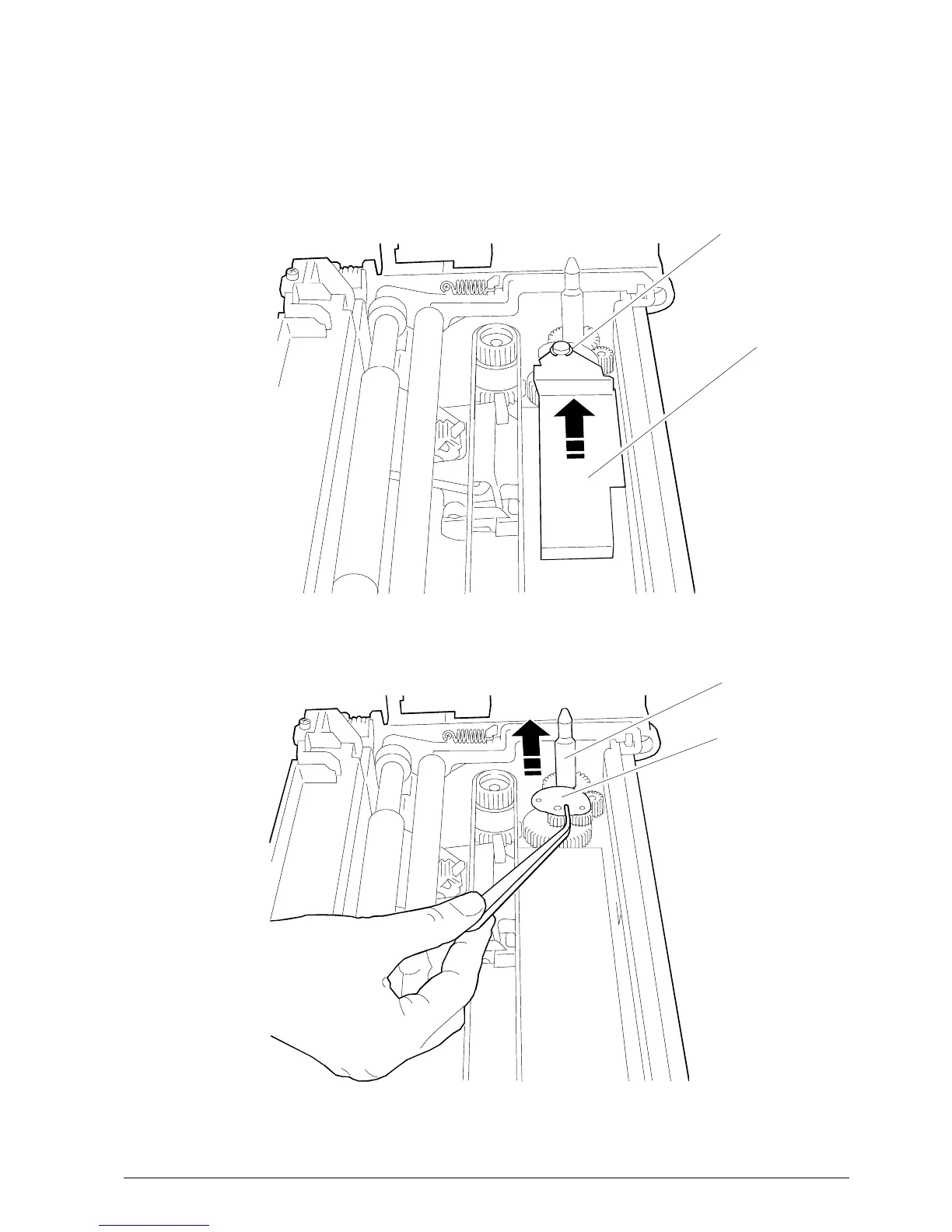
PIN
EXCHANGER
FLAT CABLE
GUIDE BOARD
Fig. 5-9
Fig. 5-8
BRACKET
5.8 REMOVING THE RIBBON
MOVEMENT PIN
• Remove the printer front cover.
• Remove the flat cable guide board upwards
(Fig. 5-8), after having removed the bracket.
Remove the exchanger using a pair of pliers
(Fig. 5-9). The pin is now free and can be removed
by pulling it upwards.



 To Next Page