EasyManua.ls Logo

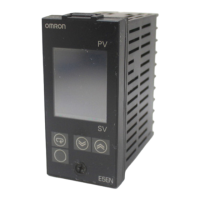
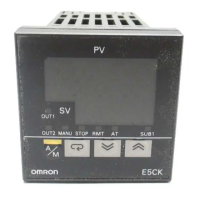
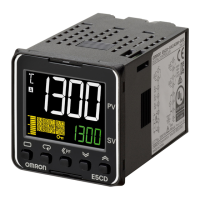
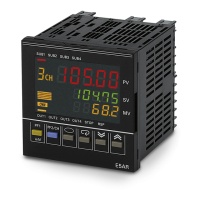
Omron E5*C Series - User Manual

Omron E5*C Series
440 pages
Print Icon
To Next Page IconTo Next Page
Loading...
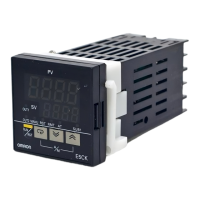
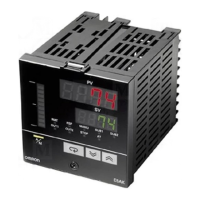
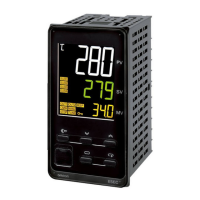
Digital Temperature Controllers
User’s Manual
E5@C
H174-E1-14
Appendices
Index
Preparations
Introduction
Advanced
Operations
Basic
Operation
Part Names and
Basic Procedures
User Calibration
Parameters
1
2
3
4
5
6
7
A
I

Table of Contents

Other manuals for Omron E5*C Series

Questions and Answers

  • J
    james58Sep 14, 2025
    What to do if the SP is being held on my Omron Temperature Controller?
    • R
      Roberto ThompsonSep 14, 2025
      If the SP is being held on your Omron Temperature Controller, check the HOLD indicator. If it is lit, change the Hold parameter to OFF.
  • S
    Sarah AguilarNov 19, 2025
    How to fix communication errors with Omron Temperature Controller?
    • R
      Robert BookerNov 19, 2025
      If you are unable to establish communication or are encountering communication errors with your Omron Temperature Controller, there are several potential causes. Ensure the communications wiring is correct and securely connected, and that the cable is not broken or excessively long (the total cable length for RS-485 should be 500 m max). Verify that you are using a shielded, AWG24 to AWG18 twisted-pair cable. If using 1:N communications, ensure no more than 32 nodes are connected, including the host. Confirm that terminating resistance is set at each end of the line. Ensure the Controller is receiving the specified power supply voltage. All devices on the communications line must use the same baud rate, protocol, data length, stop bits, and parity. Check the host device programming with a ...

Omron E5*C Series Specifications

General IconGeneral
BrandOmron
ModelE5*C Series
CategoryController
LanguageEnglish

Related product manuals