5.2 Control functions
5-11
Functions and
Operations
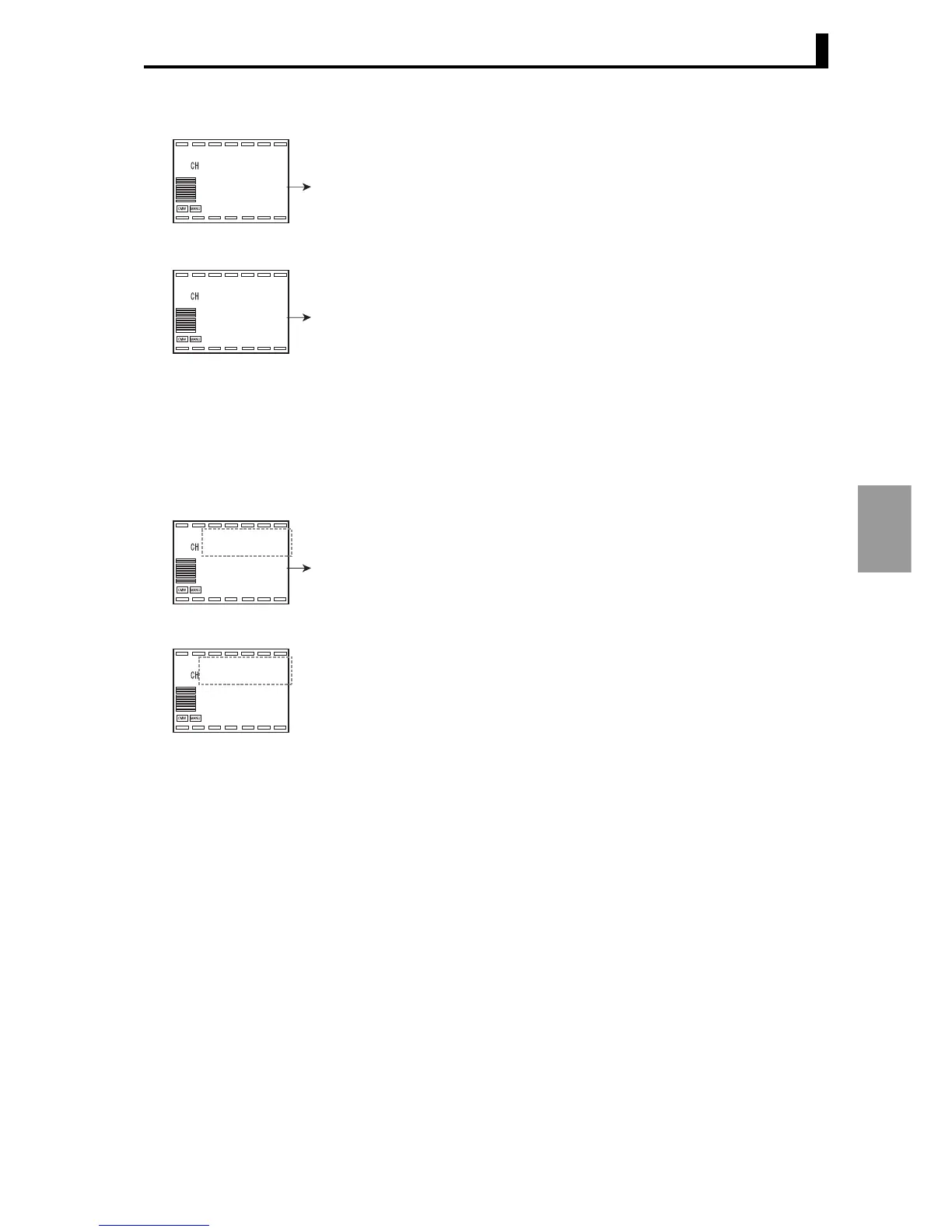
3. Press the M key to select "Local SP".
4. Use the UD keys to set the value to "250.0".
5. Press the M key to select "PID Set No.".
6. Use the UD keys to set the value to "3".
To use a bank, specify it by event input, key operation, or communi-
cation.
● Bank specification
by key input
7. Press the L key repeatedly to move to "Adjustment level" (Display 3
shows l.adj).
8. Use the UD keys to select "2" to execute Bank No. 2.
9. Press the L key repeatedly to move to RUN level, and then press the M
key to move to "PV/SP/Bank No.".
Local SP
250.0
U
2.lsp
1
0.0
l.bnk
PID* set No.
3
U
2.pid
1
0
l.bnk
bank
1
0
l.adj
Bank No.
2
U
Present value
(
PV
)
/ SP / Bank No.
25.0
1
250.0
bnk.2



 To Next Page
 Loading...