OneScreen
HL7
8
6. Camera Setup
6.1 OneScreen TrackCam
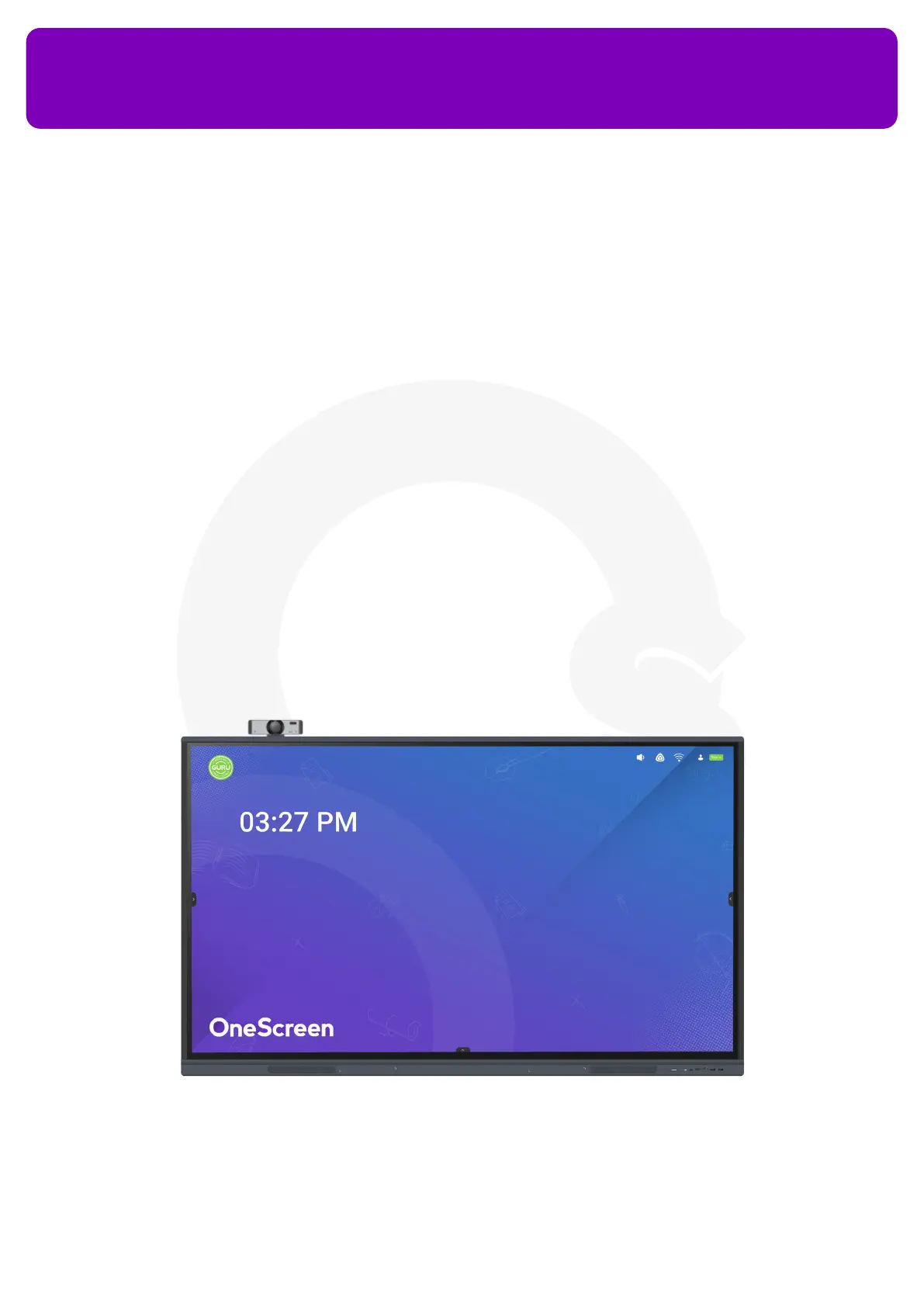
OneScreen TrackCam is a 4k Web Camera with an ultra-wide-angle lens and has an in-built feature of object
tracking. It is the perfect camera for your lectures, presentation, demonstrations and classes. It digitally
tracks the person in front of it and adjusts the video frame accordingly.
Insert the USB cable of the camera into either the USB port of the OneScreen to use it on the Android OS or
the USB port of the OPS to use it on the Windows OS. You can use the clip of the web-camera to pin it on top
of the screen. Tilt the camera up or down or Pan left or right to adjust the frame it captures.


 To Next Page