12
OneScreen
HL7
9. Device Registration
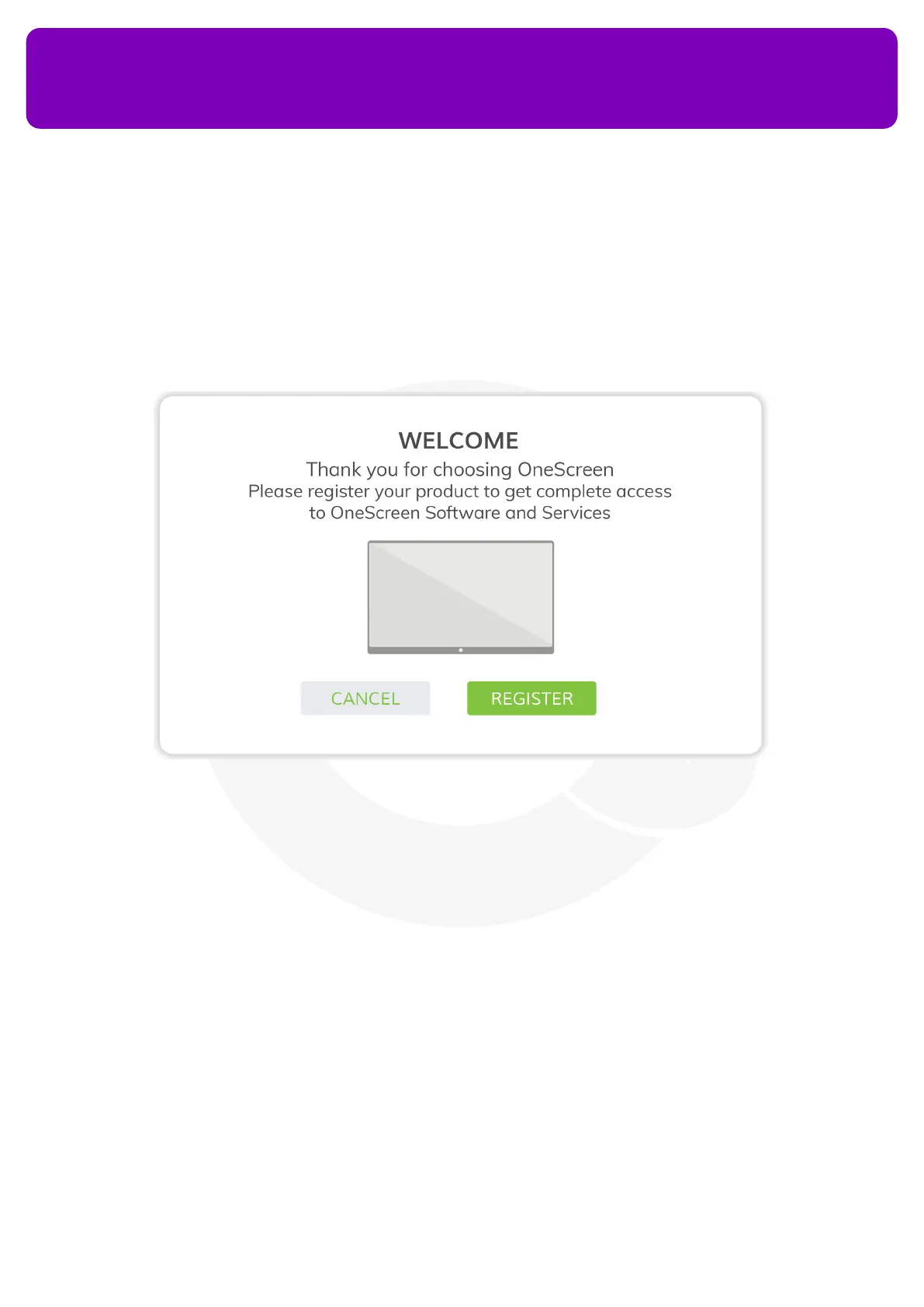
Device registration is necessary for the activation of your OneScreen HL7. The device registration page
appears when you boot your device for the rst time.
Follow the steps below to register it:
1. Press the ‘Register’ button on the Welcome Page
2. The screen will prompt you to connect to a Wi-Fi network. You may choose to connect to Wi-Fi network
or connect a LAN cable. If connecting using Wi-Fi, select the network you want to connect with. Enter the
Password and press Connect (more details can be found under section 9 “Connecting OneScreen HL7 with
the Internet”)
3. Select your Country, Region, and Language in the following pages
4. Fill in your Personal Details including your name, organization, contact details, zip code and industry. This
information helps us keep you updated about any software updates and feature addition
5. Press the ‘Finish’ button to exit the registration page


 To Next Page