1 Introduction
1-11Eagle Operator Manual - OPEX Corp. Use Only - Not for Distribution
Step 6: Orientation and Sequencing
The machine orients both the check and the document. Any check or document that
enters the paper path backwards is flipped end for end so it faces the right way as it
enters the stacker. Any check or document that enters the paper path upside down
is turned right-side up before entering the stacker.
Checks and documents are sequenced according to the settings of the job.
Step 7: Stacking
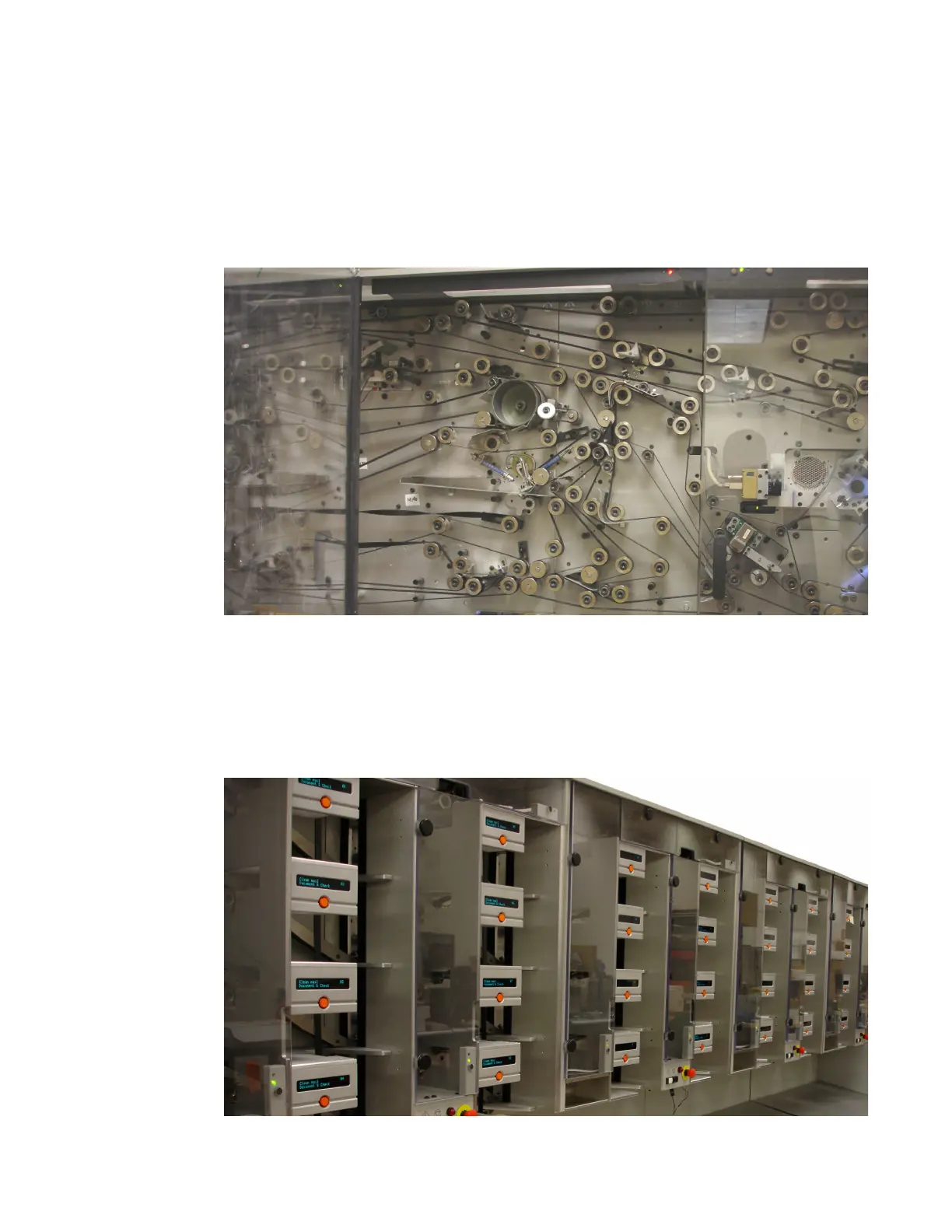
With the check and document properly sequenced and oriented, the machine stacks
them in the appropriate stacker bins.
Your machine may be configured with 2, 3, or 4 stacker modules, with 8 bins per
module. The last bin in the configuration is for rejected checks and documents.



 To Next Page