2 Operating the System
2-8 Eagle Operator Manual - OPEX Corp. Use Only - Not for Distribution
Loading envelopes
Make sure envelopes are properly loaded on the conveyor in order to run the job.
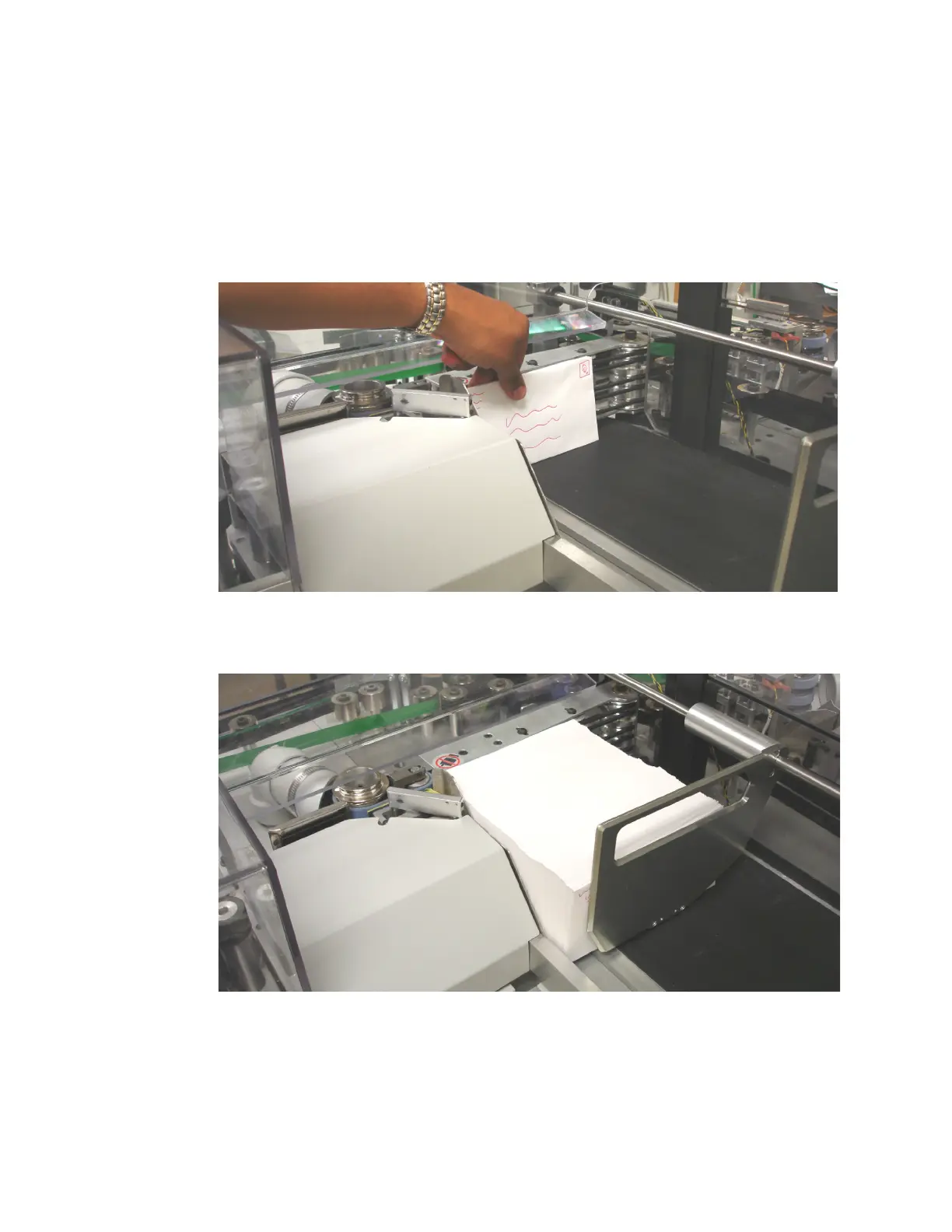
1 Place envelopes in a stack on the conveyor as shown in Figure 9. Make sure the
envelopes are facing the proper direction as per the job parameters.
NOTE: The Run screen status display (Figure 12 on page 2-10) will tell you how to
load the envelopes for the selected job.
FIGURE 9: Loading envelopes
2 Load the entire conveyor with envelopes, if possible.
FIGURE 10: Properly positioned envelopes
3 If you are running in Normal extraction mode, fill the batch ticket feeder with batch
tickets. The Eagle will feed batch tickets into the paper path when necessary.
4 While the job is running, continue loading envelopes on the conveyor until the job
is completed.



 To Next Page