2 Operating the System
2-14 Eagle Operator Manual - OPEX Corp. Use Only - Not for Distribution
Using the Run screen
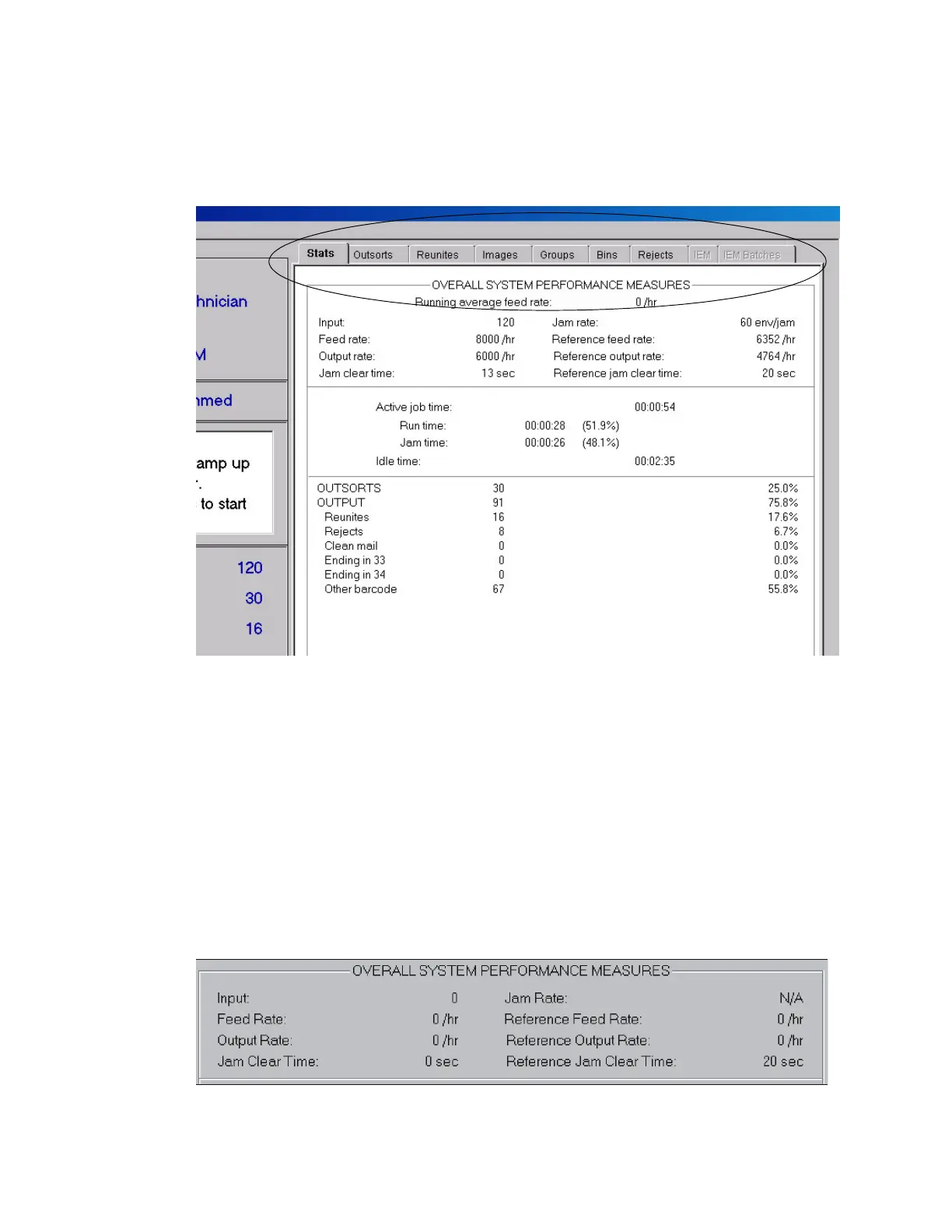
The Run screen information is broken down into six categories. The information is
found on the tabs in the Run screen (Figure 16).
FIGURE 16: Run screen tabs
Stats tab
The Stats tab displays statistical information from the current job. This information
is broken up into three different sections:
• Overall System Performance Measures
•Time
• Job Run Percentages
Overall System Performance Measures
The Overall System Performance Measures section displays the information the rates
and clear times for the current job.



 To Next Page