2 Operating the System
2-6 Eagle Operator Manual - OPEX Corp. Use Only - Not for Distribution
Running Jobs
Running the machine involves:
• Selecting a job
•Loading envelopes
• Running the job
• Clearing jams
Selecting a job
1 Click OPEX > Job Select.
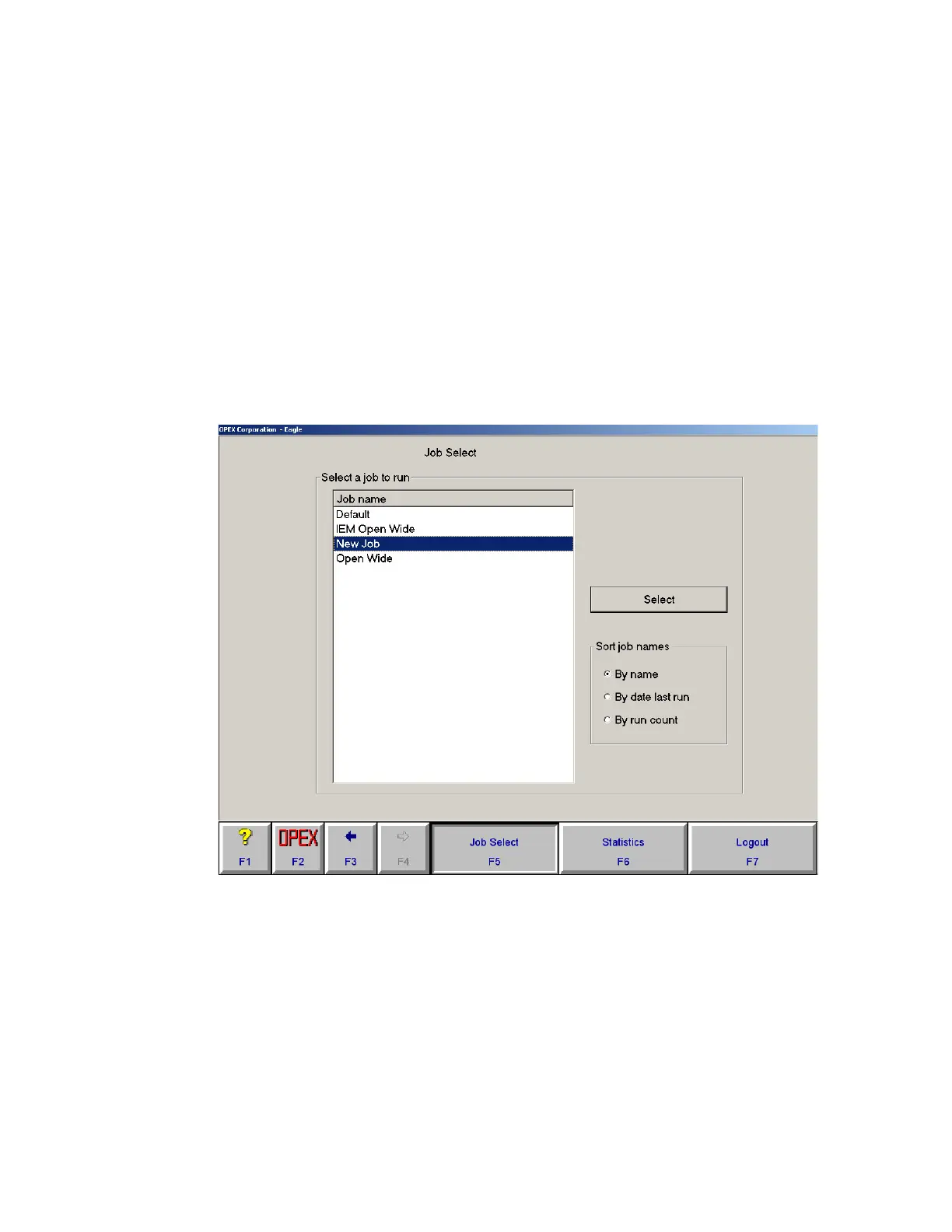
2 Select the job you want to run in the Job Select screen and click Select.
FIGURE 7: Job Select screen
If the job you select includes IEM functions, the Run type dialog box will appear
(Figure 8 on page 2-7). Highlight a run type and click Select. See “Run types” on
page 2-7 for more information.
3 The Run screen will appear.



 To Next Page