2 Operating the System
2-19Eagle Operator Manual - OPEX Corp. Use Only - Not for Distribution
Clearing jams
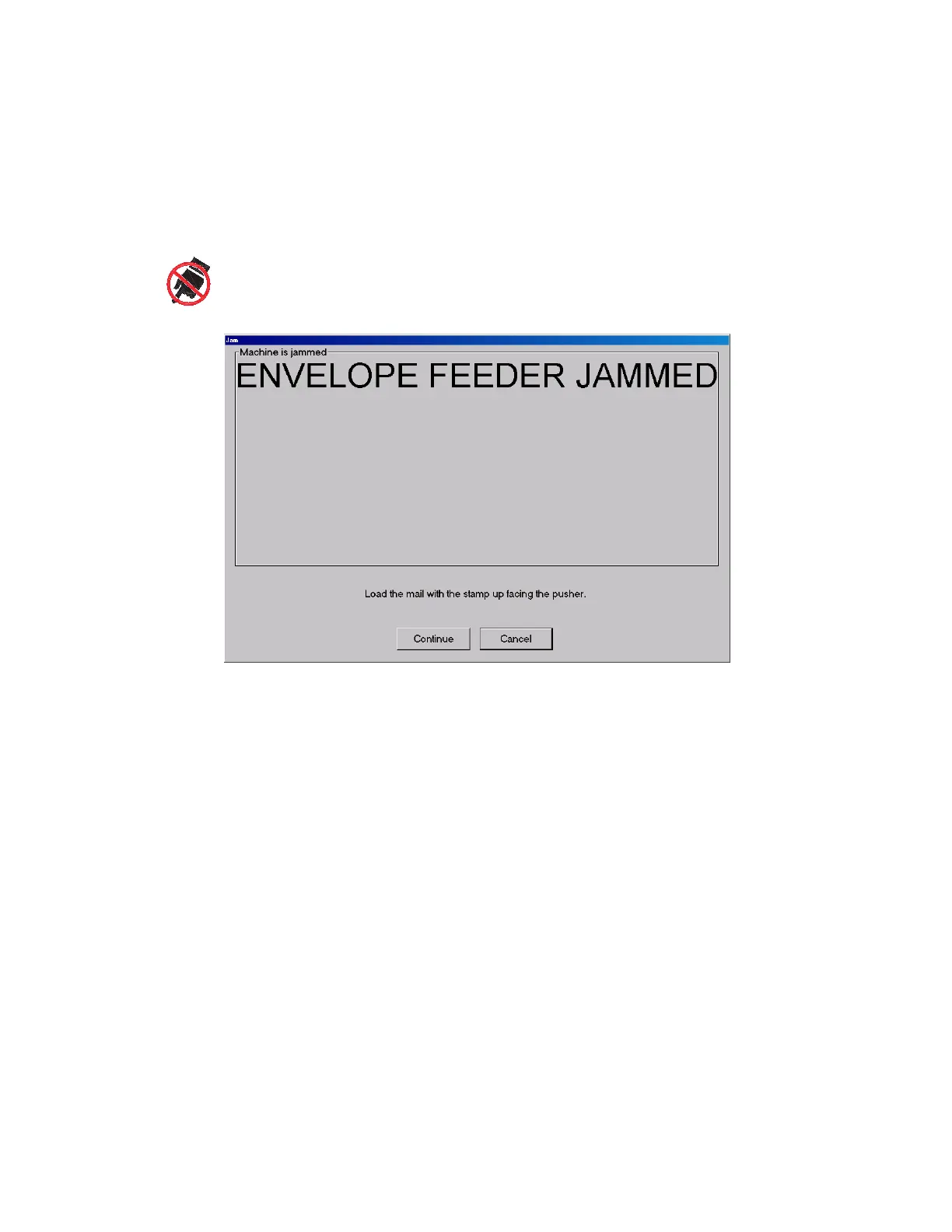
From time to time, you will experience the inevitable paper jam. When a jam occurs,
the system will alert you as to where the jam has taken place. Clear the jam, press
the white On button to reset the interlock system, and press Continue on the dialog
box (Figure 17) to continue running the job.
FIGURE 17: Jam dialog box
Tips for clearing jams
• Don’t rush Develop good habits in clearing jams to maintain the sequence
integrity of the document and check. If you fail to do this, you can be sure you will
hear from the supervisor in Remittance Processing. Speed is of no use without
quality. You will improve with practice; thoroughly trained operators average
under 20 seconds to clear a jam and get the machine running again.
• Clear only the actual jam Remember that the machine will clear the paper path
automatically. You only have to deal with the actual crunch. Check “dead zones”
where an envelope may not be positively controlled by the belts.
• Match up each check and document Doing this will greatly reduce the possibility
of mis-matching checks and documents. Looking through batches of “finished
work” manually wastes time.
• Manually moving belts As part of the normal task of clearing a jam, it is
sometimes necessary to move belts in the paper path with your hands. In most
(but not all) cases, the belts should be pulled in their normal direction of travel.
Pulling them in the opposite direction may cause them to come off of the pulleys.
Moving the belts by hand (when necessary) is done to move checks and
documents to areas of the paper path where they are easily removed.
The following are tips for clearing some of the more common paper jams:
This symbol indicates a potential pinch hazard. The pinch hazard symbols are placed throughout the
machine in places where there is the potential for the operator to get a finger or other article squeezed
between components. Exercise caution when working in these areas.



 To Next Page