3 Operational Maintenance
3-12 Eagle Operator Manual - OPEX Corp. Use Only - Not for Distribution
Purging the print heads
From time to time, the print heads may become clogged and produce erratic audit
trails. If this is the case, try purging the heads to print better quality audit trails.
To purge the print heads, press the Purge button for the appropriate head on the ink
cartridge maintenance screen (Figure 34 on page 3-10).
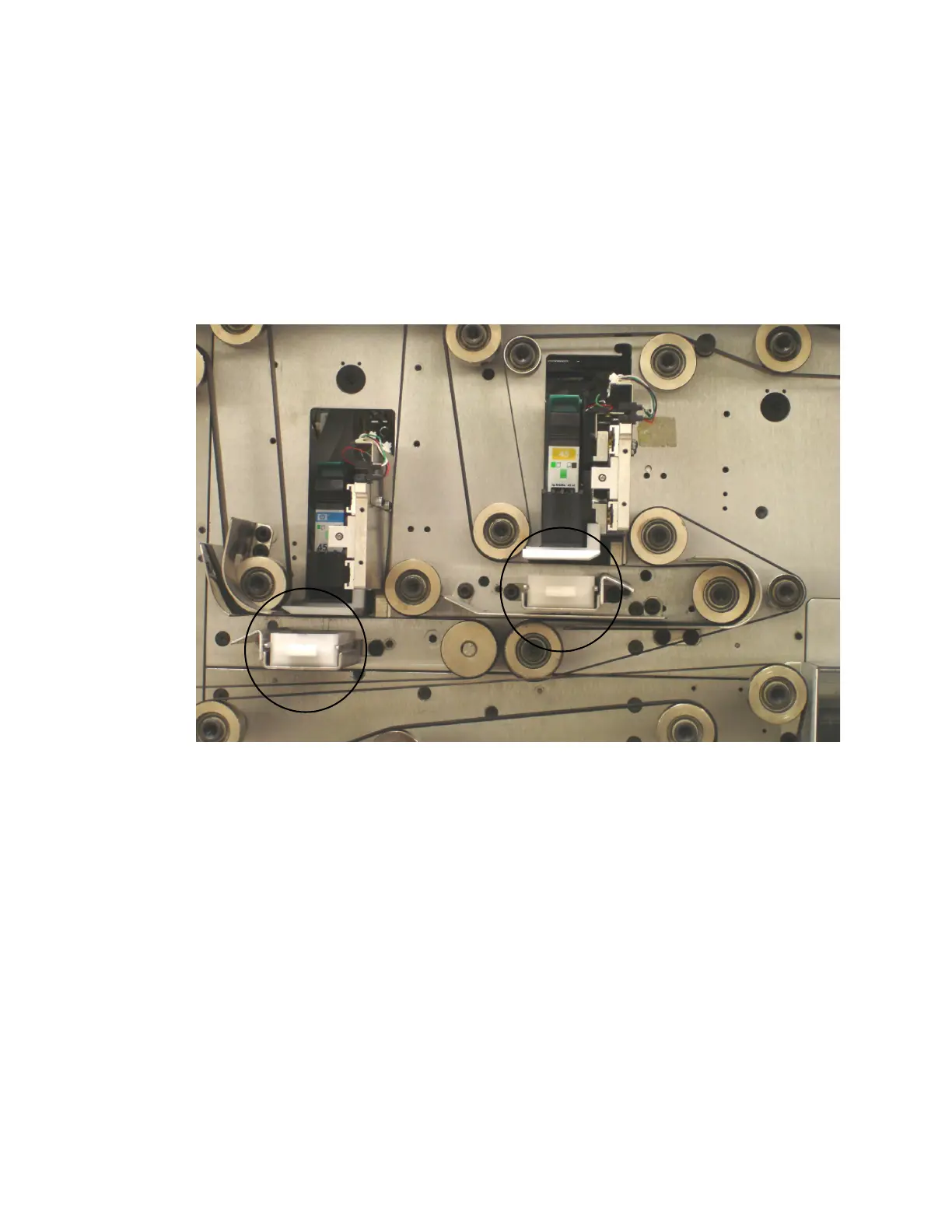
NOTE: After purging the print head, it is usually a good idea to empty and wipe out
the excess ink bin underneath the printer. Pull the bin away from the
machine to remove it.
FIGURE 39: Excess ink bins



 To Next Page