1 Introduction
1-7Eagle Operator Manual - OPEX Corp. Use Only - Not for Distribution
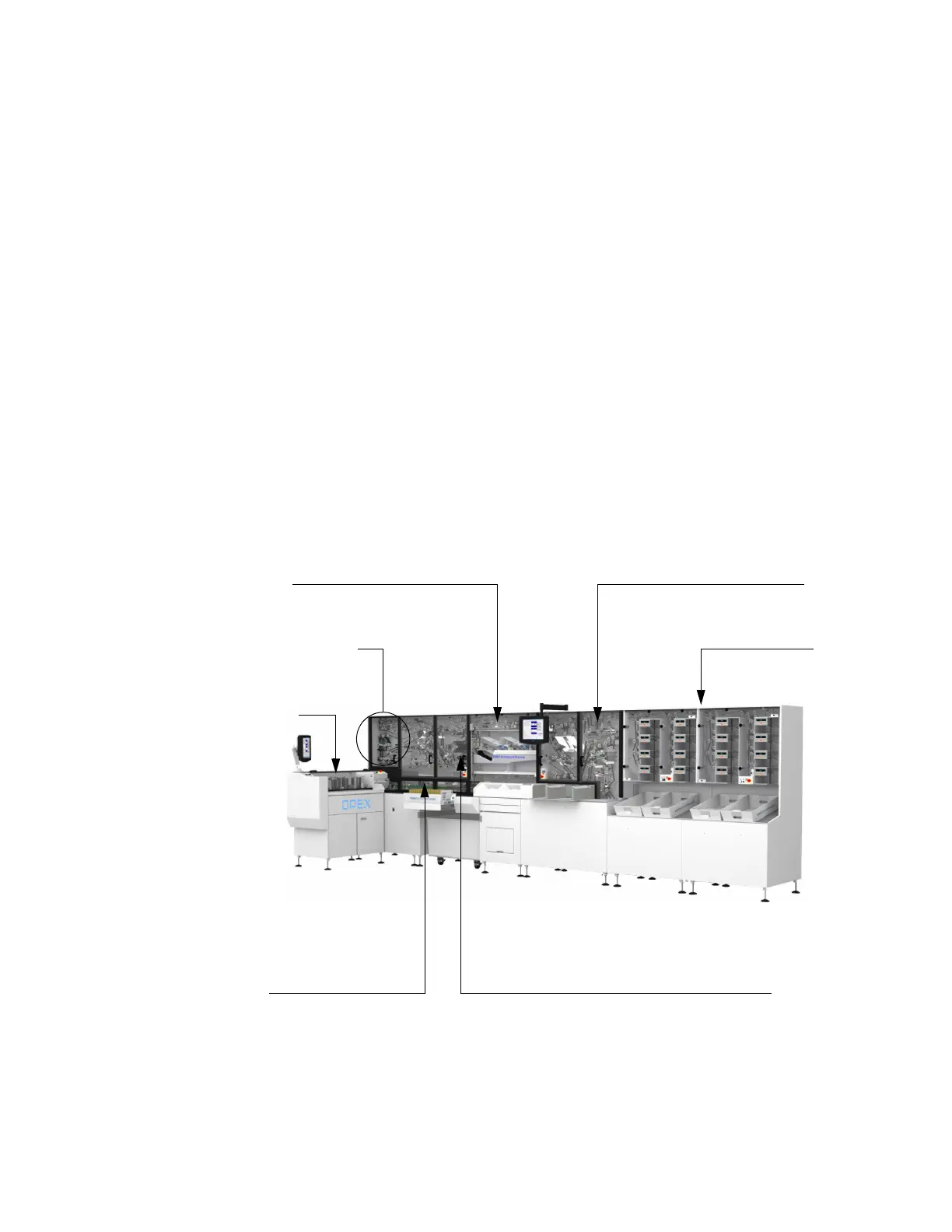
How the Eagle Works
The Eagle system processes envelopes in one continuous, non-stop stream.
Envelopes travel through the processes of cutting, opening, extraction of contents.
Contents are singulated (one piece is placed in front of another), imaged, oriented
and stacked.
This section describes how the Eagle converts your mail from envelope to image. The
process is as follows:
Step 1: Qualification
Step 2: Cutting
Step 3: Extraction
Step 4: Singulation
Step 5: Content Imaging/IEM
Step 6: Orientation and Sequencing
Step 7: Stacking
Qualification
Cutting
ExtractionSingulation
Content Imaging
Orientation/sequencing Stacking



 To Next Page