1 Introduction
1-9Eagle Operator Manual - OPEX Corp. Use Only - Not for Distribution
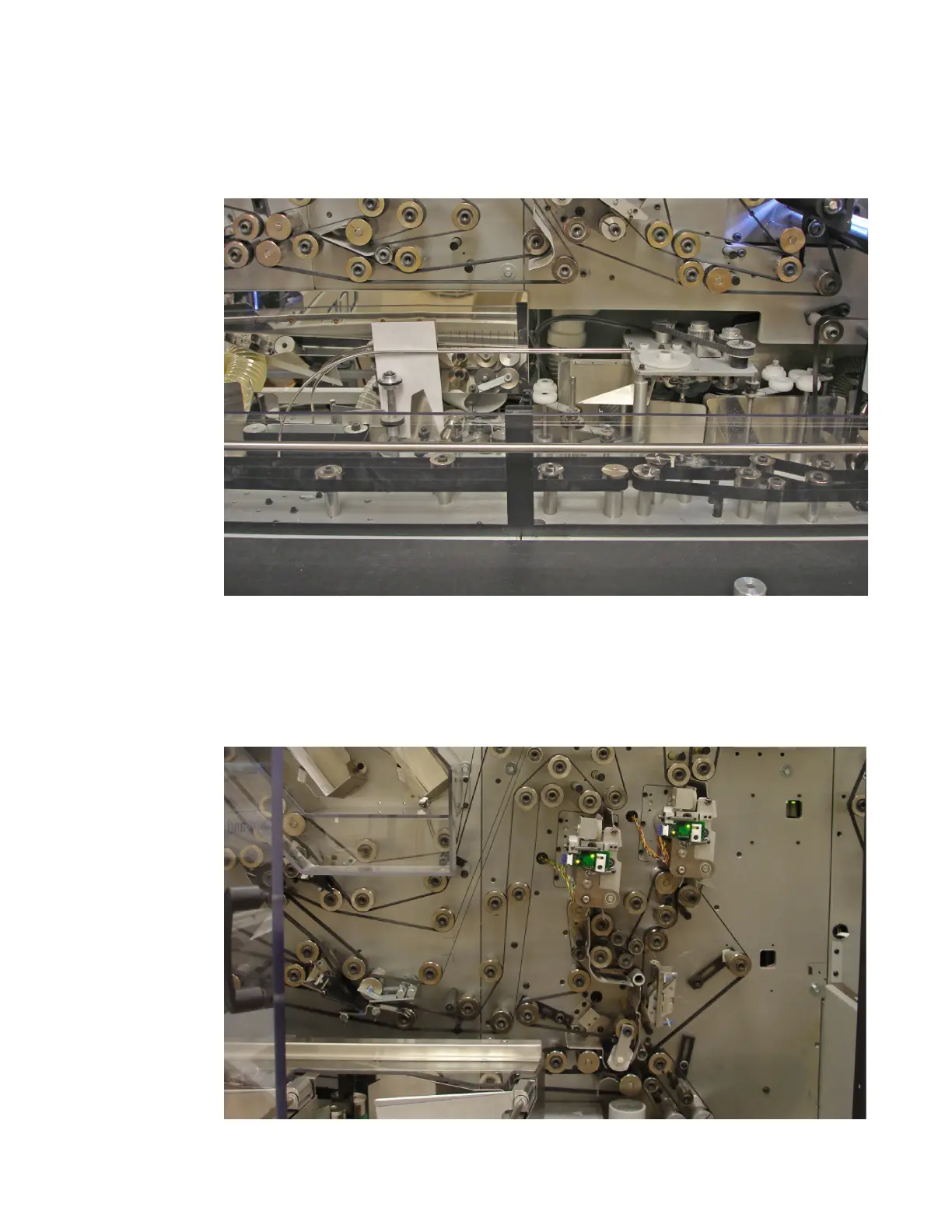
Step 2: Cutting
As each envelope proceeds through the cutting station, the leading edge, top and
bottom of the envelope are cut. The trailing edge of the envelope is not cut.
Step 3: Extraction
After the envelope is cut, it is opened out into one long piece of paper. Extracted
contents are sent to one paper path, while the envelope is directed on a separate
path. A thickness check is then performed on each paper path. Empty envelopes are
then fed into the disposal cart housed beneath the machine.



 To Next Page