1 Introduction
1-8 Eagle Operator Manual - OPEX Corp. Use Only - Not for Distribution
Step 1: Qualification
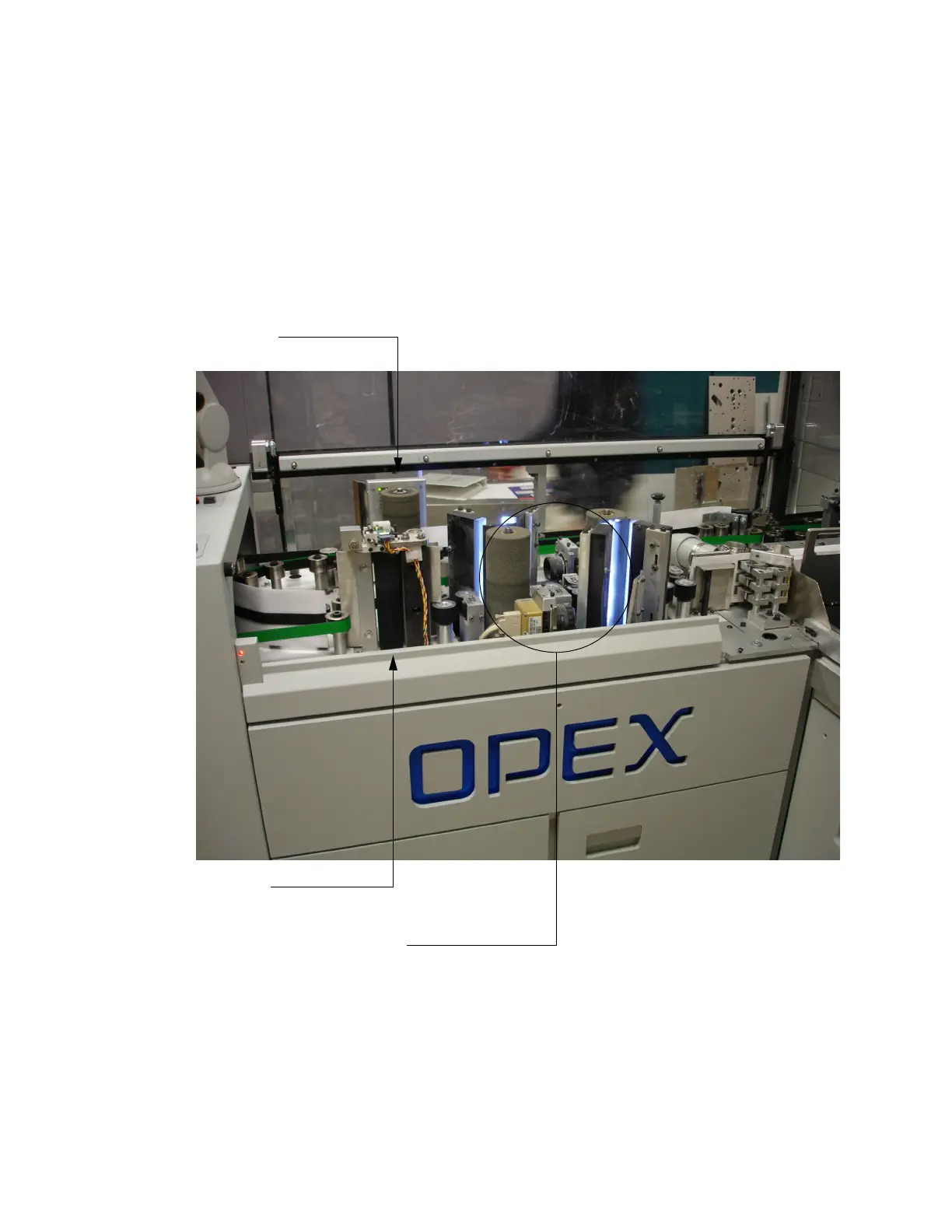
Not all envelopes can be processed by the Eagle. As the envelope enters the paper
path, it immediately passes through a device which measures the thickness of the
envelope and past a metal detector. The thickness measuring device, called a TMD,
looks like a miniature wringer from an old-fashioned washing machine. The TMD
and metal detector qualify each envelope that passes come out of the feeder.
Envelopes which do not qualify (because they contain staples, coins, folded checks,
correspondence, etc.) may be outsorted at your option for processing on another
machine, such as an OPEX Model 51 Rapid Extraction Desk.
Envelope Imaging cameras (optional)
Outsort TMD
Metal detector



 To Next Page