2 Operating the System
2-18 Eagle Operator Manual - OPEX Corp. Use Only - Not for Distribution
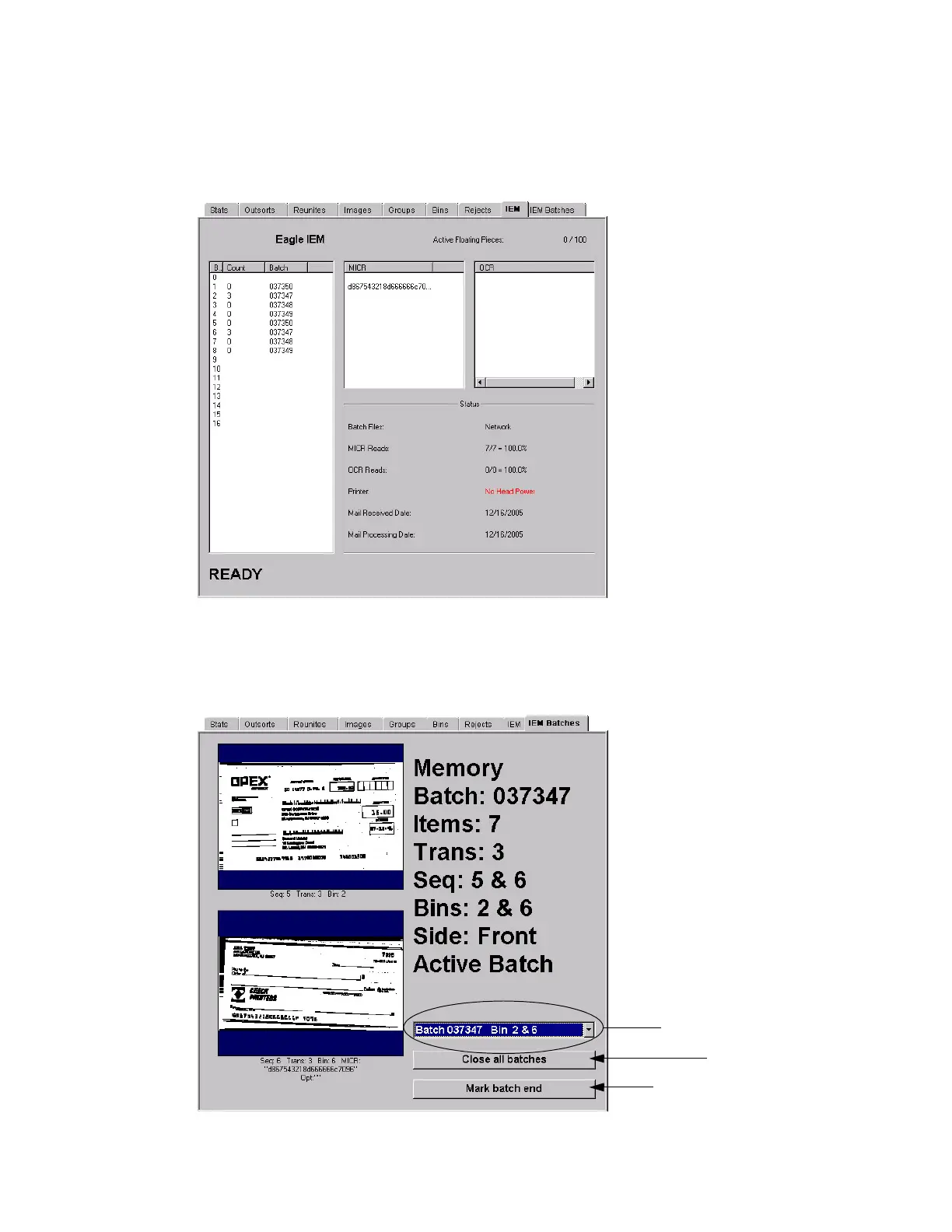
IEM tab
View MICR and OCR read information for items scanned in IEM jobs. This tab will
only be available when running in IEM mode.
IEM Batches tab
View transactions, by batch, when running in IEM mode. This tab will only be
available when running IEM jobs and when the machine is stopped.
Scroll through the open batches
Close all active batches
Designate the current transaction
as the end of the batch



 To Next Page