2 Operating the System
2-17Eagle Operator Manual - OPEX Corp. Use Only - Not for Distribution
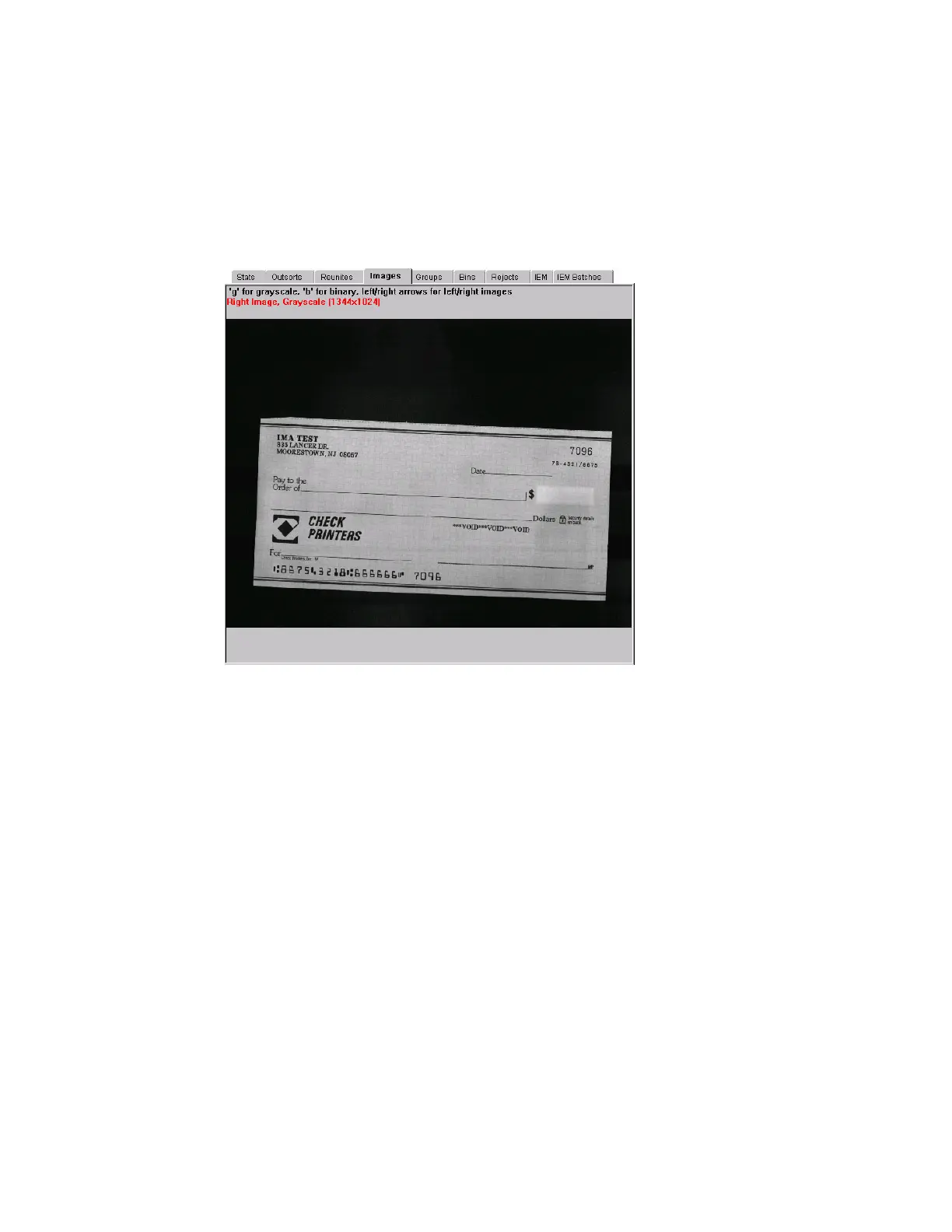
Images tab
View grayscale and/or bitonal images of the documents and checks scanned in the
current batch.
Press G on the keyboard to view the grayscale image of the item; press B for the
bitonal image. Press the up and down arrow keys to cycle checks and documents ans
press the right and left arrows to see the front and back of the image.
Groups tab
The Groups tab displays the various group names and the bin assignment for each
group. The Groups tab also shows the number of pieces that have gone to each bin
and how many pieces were rejected.
Bins tab
The Bins tab displays information on every bin on the system:
Count Number of pieces currently in the bin.
Status Information regarding the status of the bin.
Full Count Total number of pieces sent to the bin.
Rejects tab
The Rejects tab displays all the possible reject reasons, and how many pieces were
rejected for each of those reasons. See “Rejects” on page B-3 for more information.



 To Next Page