2 Operating the System
2-13Eagle Operator Manual - OPEX Corp. Use Only - Not for Distribution
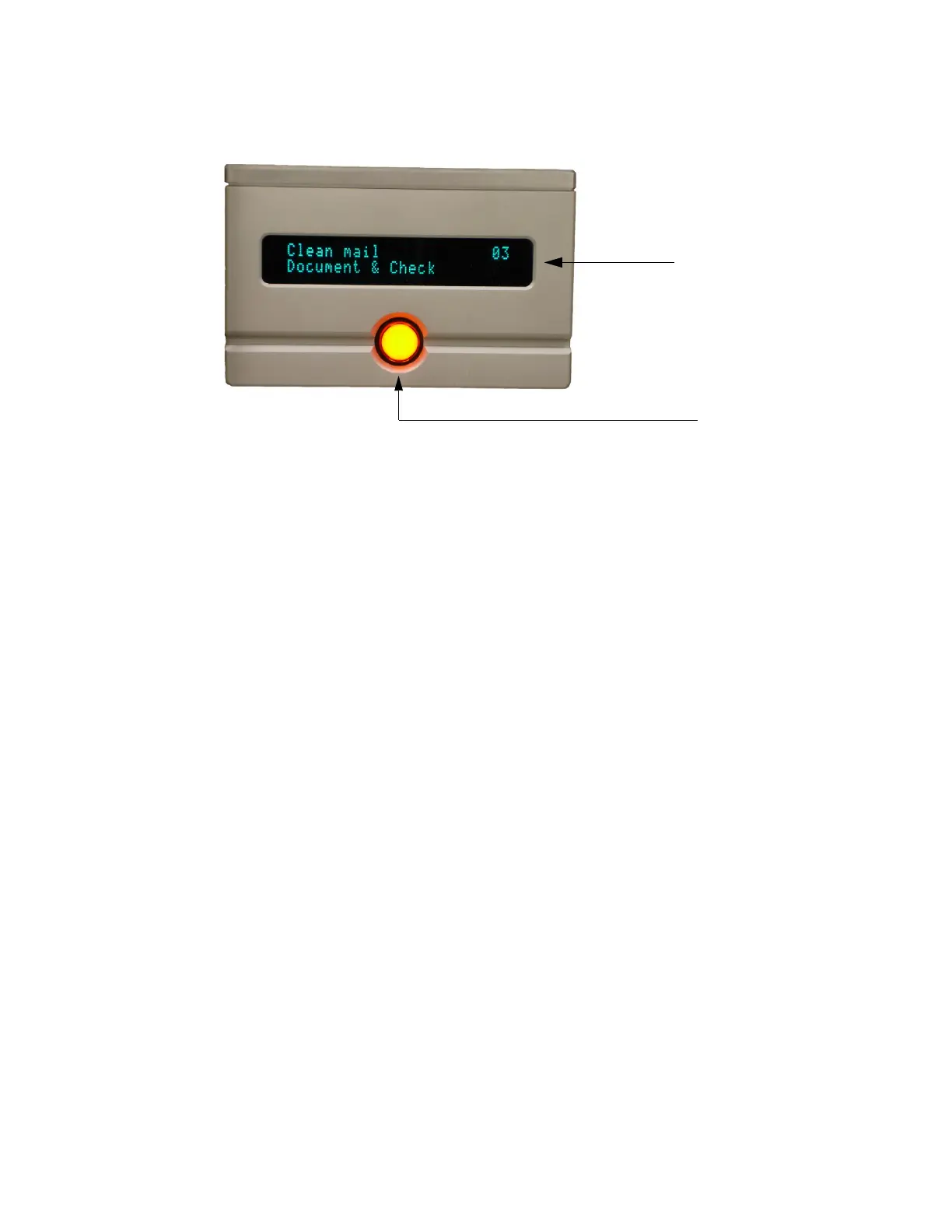
Each stacker bin has a fluorescent display that identifies the contents of the bin. The
Bin ID text is configured in job setup.
FIGURE 15: Stacker bin components
Each bin has a bin light button that displays the status of the bin:
• Off - bin is ready to accept content.
• On - bin is full and needs to be emptied to be used again. When the content is
removed from the bin, the light automatically goes off. You can also bypass a bin
prior to running a job by pressing the button so that it is lit.
• Flashing - bin is in need of attention. It may be waiting for a batch ticket, a piece
required to get there may not have arrived or an unexpected piece arrived in the
bin.
NOTE: If the Eagle should jam and you want to “properly” remove the contents
from a bin, you must first press its bin light button. This effectively closes
the batch.
Fluorescent display
Bin light button



 To Next Page