2 Operating the System
2-2 Eagle Operator Manual - OPEX Corp. Use Only - Not for Distribution
The touch-screen monitor provides the operator’s main interface with the Host
software, which controls the entire Eagle system. Use the Host software to manage
operators, run jobs, and create system efficiency reports.
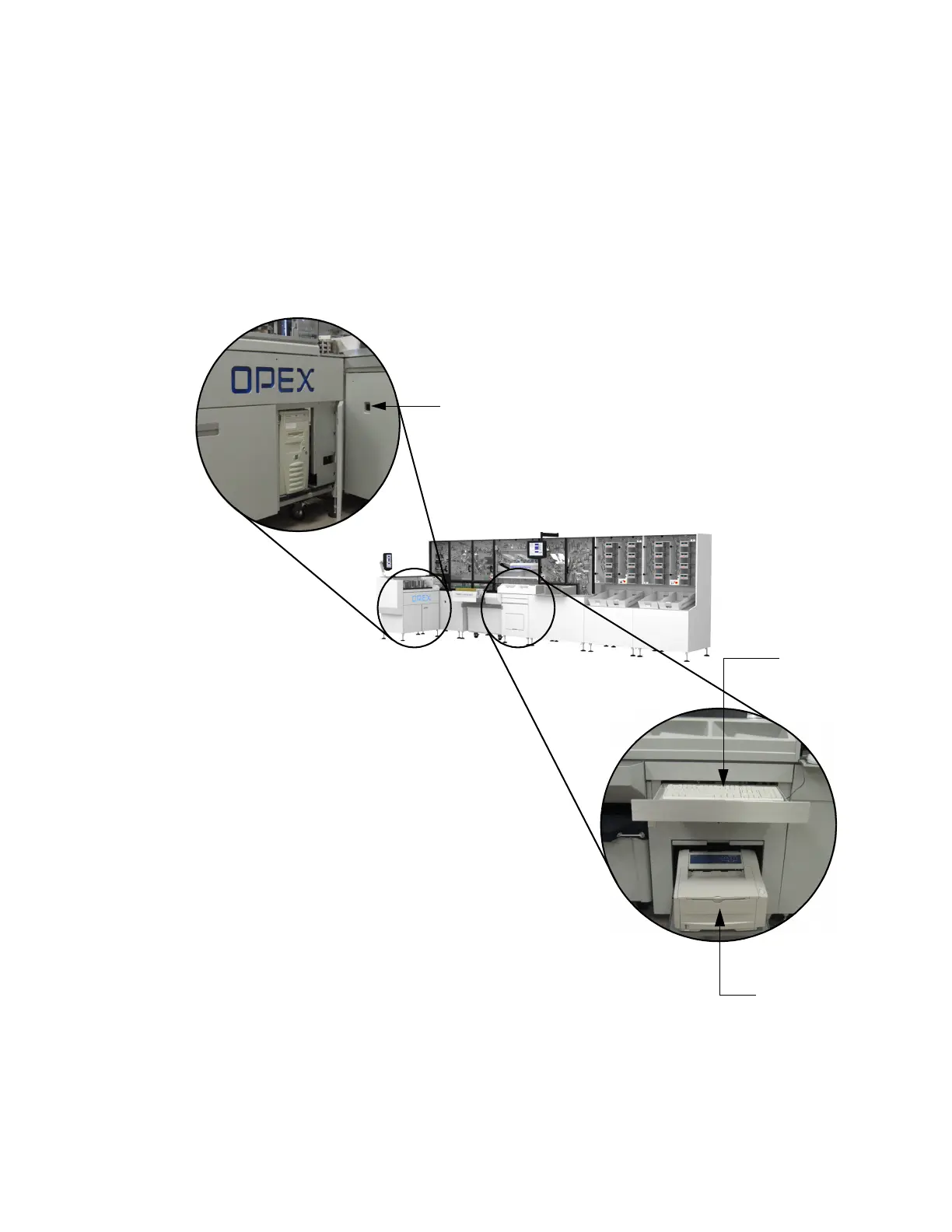
The keyboard and mouse are located in the drawer beneath the reunite sorting area.
The Eagle Host PC is located in the cabinet under the extract area.
NOTE: For normal machine operation (such as running jobs), the touch-screen
monitor is adequate.
FIGURE 2: Keyboard and mouse, Host PC locations
Host PC
Report printe
Keyboard
Breaker switch



 To Next Page