In this menu, you can Select the satellite that you want to move from the satellite list
using the CH+/CH- keys. Select satellite and press OK, you will be asked where to
move the satellite, input the destination number and press OK. Then you can move
another one satellite from one position to other.
Delete
You can delete unused satellites. Select the satellite that you want to delete from
the satellite list. You will be asked to confirm whether delete the satellite or not. If
you select YES, all the channels and transponders in the selected satellite will be
deleted. Press OK key, and the selected satellite will be deleted.
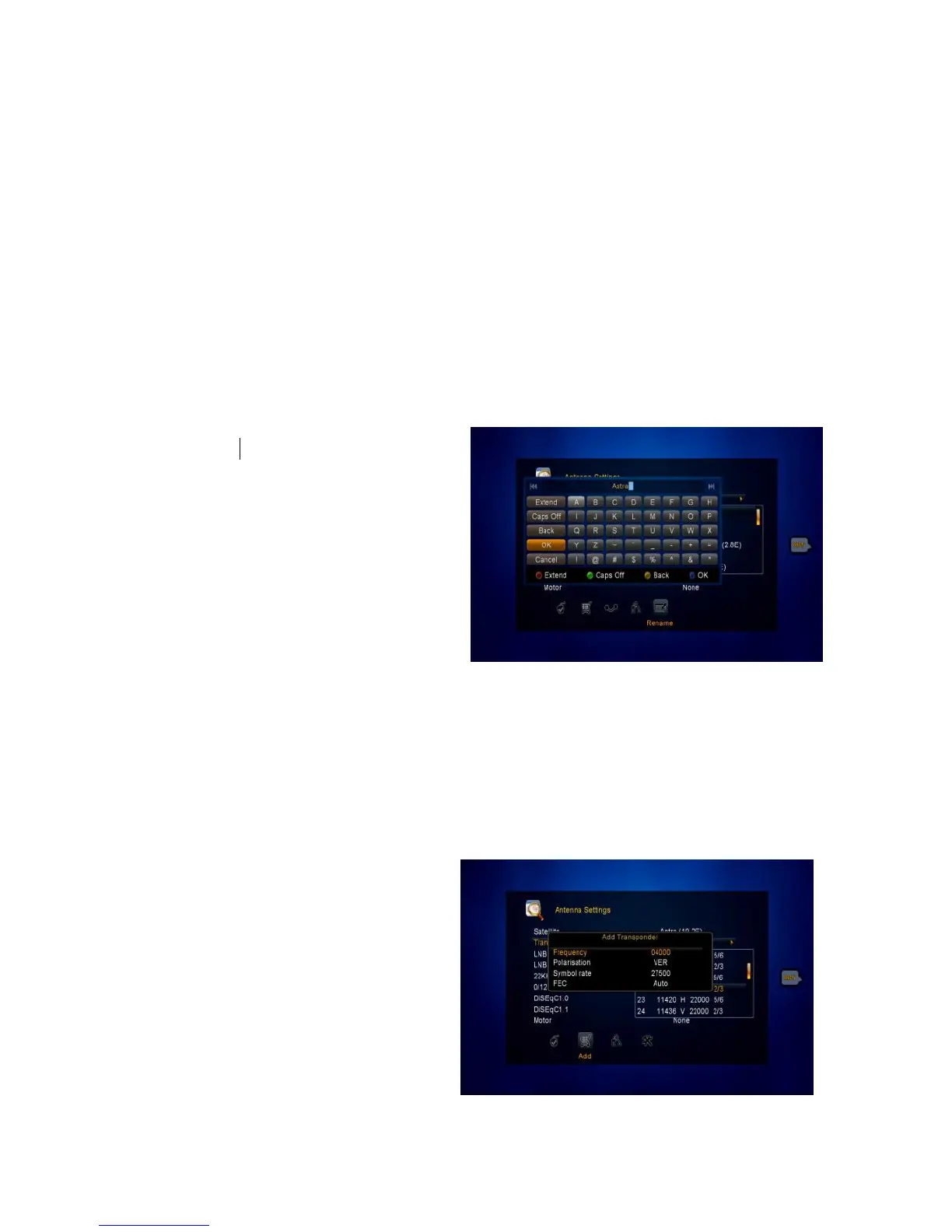
Rename
You can also change the satellite
name. Select the Rename using the
VOL+/VOL- keys. Press OK key and
select the character which you want to
edit the name. Confirm by pressing
BLUE button.
4.2.2 Antenna Settings for Transponder
If you change the satellite, the transponders list will be changed automatically. You
will find the transponder list of selected satellite here. In this menu, Press the
VOL+/VOL- or OK button you can
see the pre-stored Transponder list,
and you can execute Select, Add,
Delete, Edit Transponders by
VOL+/VOL- keys.
Select
In this menu, you can press the
CH+/CH- keys choose the



 To Next Page