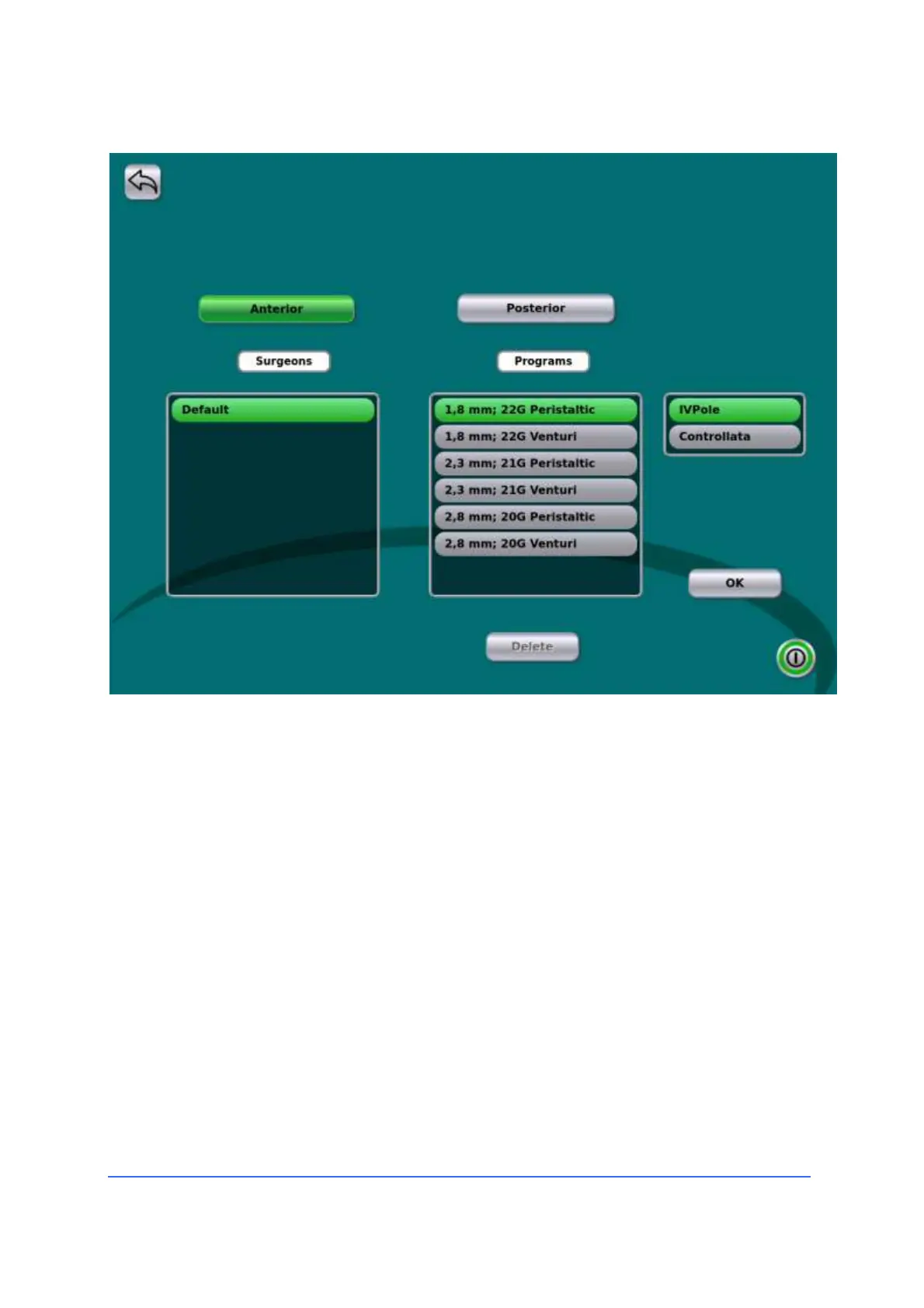
Cancellation of a program
• Select the program you want to delete.
• The button with the name of the active program is in
green. Press the "Delete" button to delete the active
program (after confirmation).
• The previous program of the same user will be loaded, if
it exists.
If all the active user's programs have been deleted, the user is removed, and the
device loads the DEFAULT program (DEFAULT). DEFAULT programs can not be
deleted.



 To Next Page