5. System alarm messages
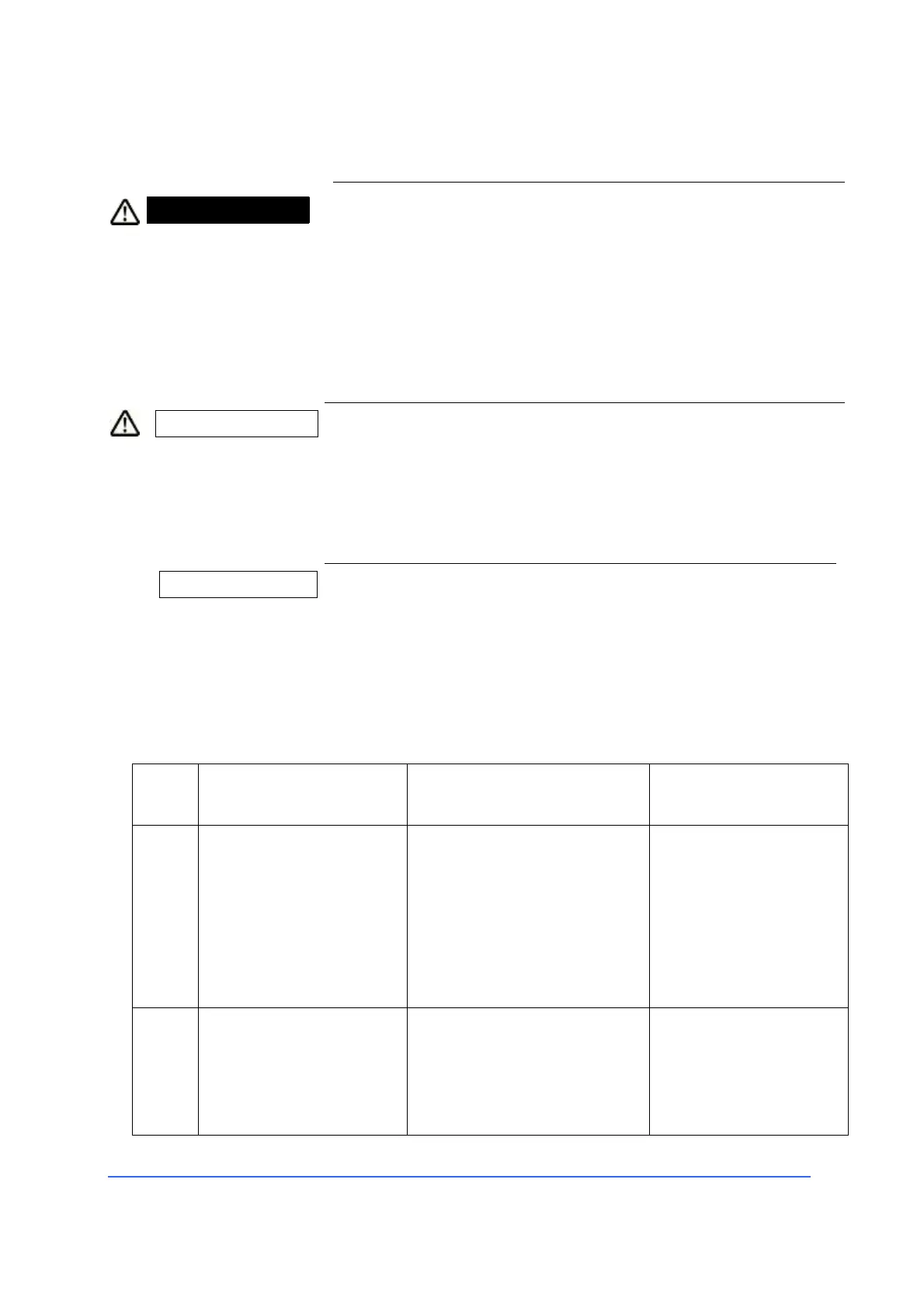
WARNING Error messages on the touch screen
Error messages indicated by a red warning signal indicate a
serious error in the device that can not be remedied by the
user.
• In case of error messages indicated by a warning signal,
contact the OPTIKON 2000 S.p.A. technical service.
• Take note of the explanations offered for each of the
error messages on the following pages.
CAUTION Error messages on the touch screen
The error messages indicated by a yellow warning signal
indicate a moderate error that can be remedied by the
user or by our technical service.
• Take note of the explanations offered for each of the
error messages on the following pages.
INFORMATION Error messages on the touch screen
Error messages indicated by a blue signal indicate a
slight error, a warning or an instruction for the user.
• Take note of the explanations offered for each of the
error messages on the following pages.
100 Error messages
visual + acoustic message
Error in the air infusion
system or controlled
irrigation (the outlet
pressure is much higher or
lower than the preset
pressure)
visual + acoustic message
Incorrect pressure at the
output of the proportional
valve



 To Next Page