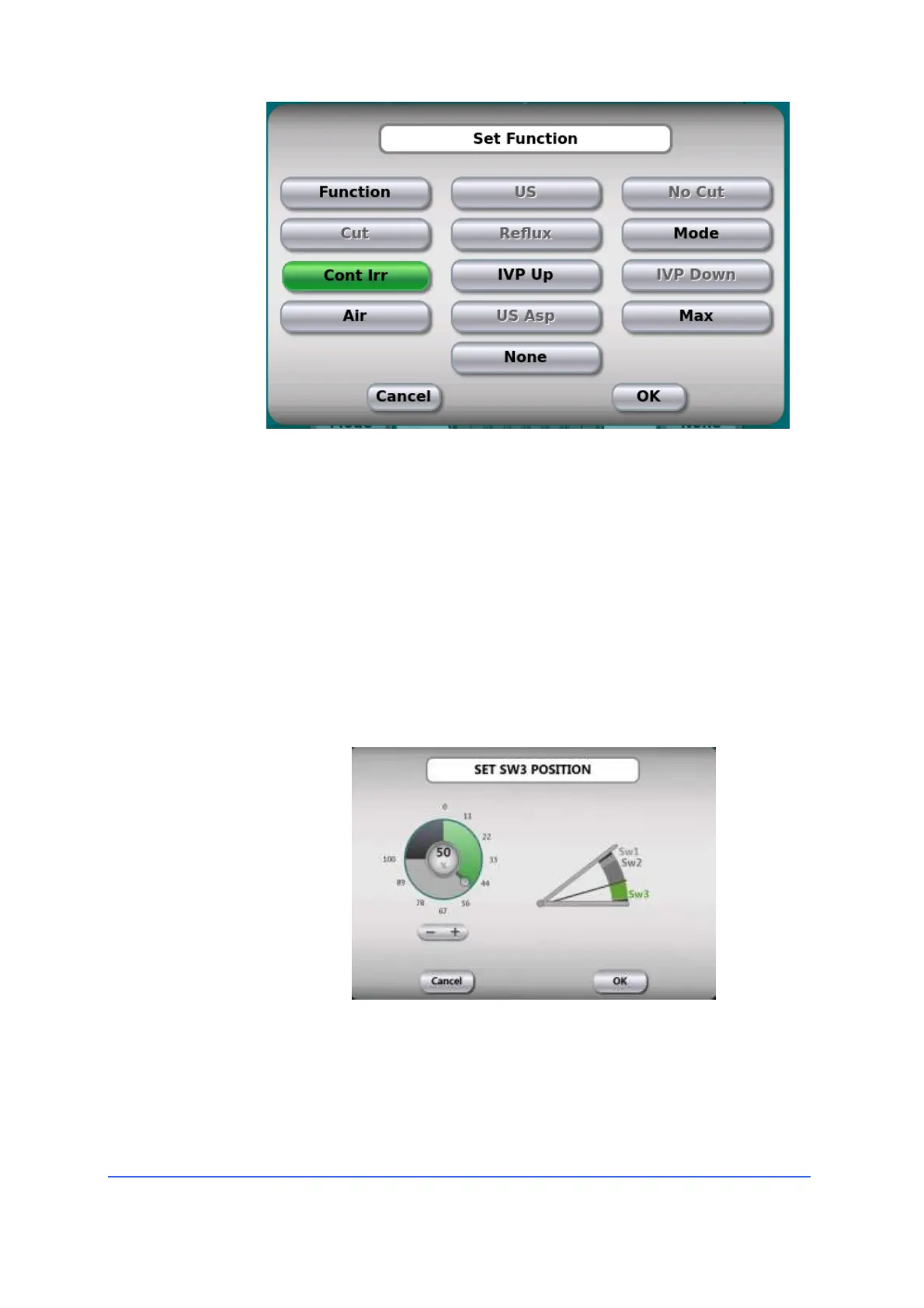
Please note that not all functions can be associated with every
button or movement of the paddle. The disabled functions are
greyed out.
b. The label (3) shows the functions associated with the vertical
movement of the main paddle (in the example, U/S, cutting and
aspiration).
c. By pressing the up arrow (4) it is possible to adjust the starting point
of the U/S, this allows to divide, according to the surgeon's
preferences, the vertical stroke of the paddle between linear
aspiration and linear regulation of the ultrasounds.
Once the pedal has been programmed and saved with its name, it can be recalled and
used within the user programs.



 To Next Page