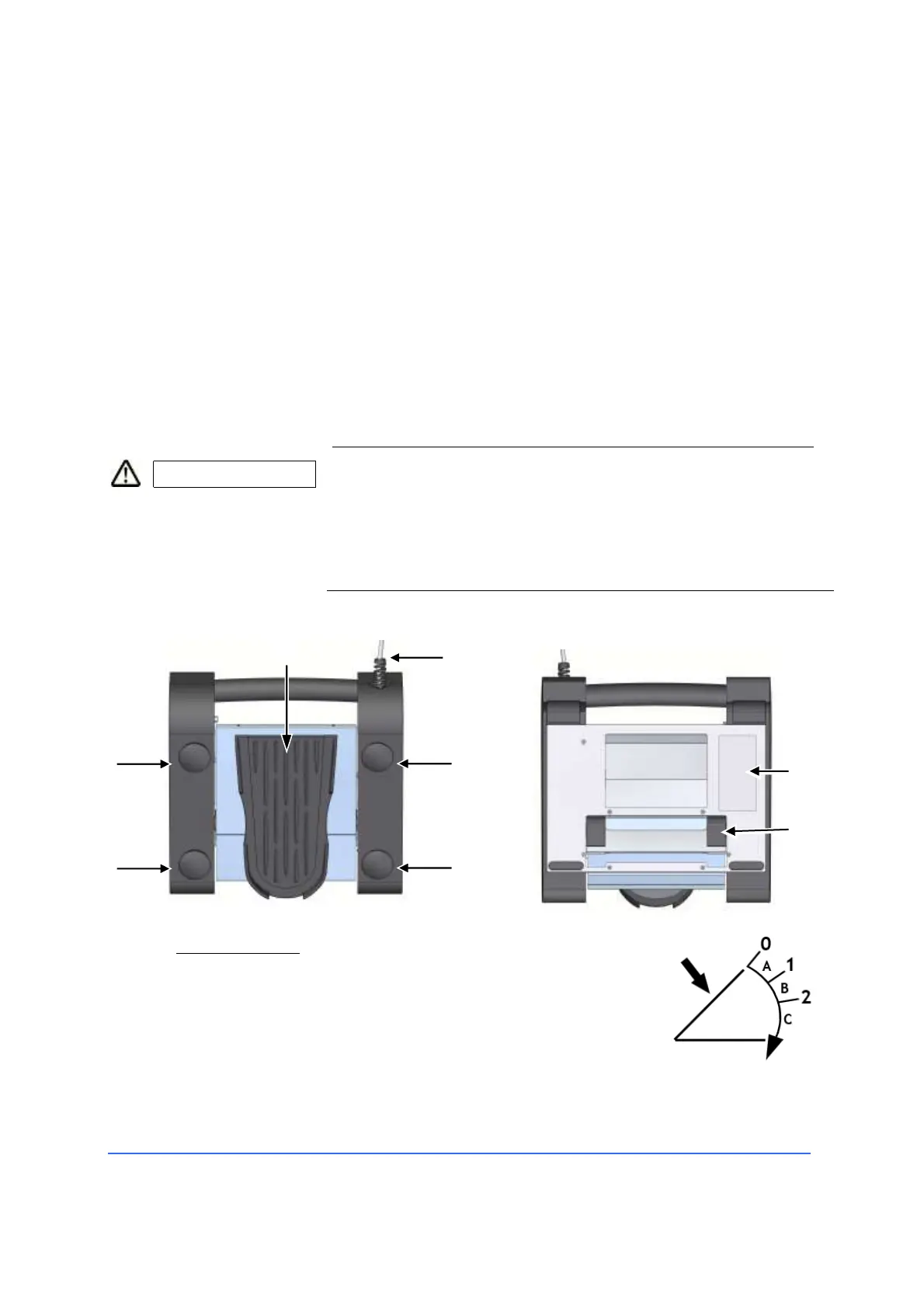
4.2.6 System pedal
The pedal for surgical equipment allows the surgeon to activate the selected
function on the device he is using. The "On/Off" functions are activated with
the side buttons, while the linear functions are activated with the central
paddle.
The pedal has the following functions:
– Nine "On/Off" commands based on the settings of the
device to which it is connected.
– Simultaneous linear control of two functions, by
pressing and/or rotating the pedal sideways. For
example: The U/S power and the degree of aspiration
or cutoff frequency of the vitrectomy and the degree of
aspiration.
CAUTION Risk of infection!
The pedal can not be autoclaved.
• For information on cleaning and/or disinfection of the
pedal, refer to the "Care and Maintenance" section of this
manual.
The system pedal consists of the following elements:
1 Central paddle
It can be moved horizontally and vertically to activate
given functions. The vertical direction is divided into
three zones with two tactile positions. Some functions
are assigned to each zone and can be activated by
pressing the pedal (see image on the side).



 To Next Page