4.5.7 Pedal programming
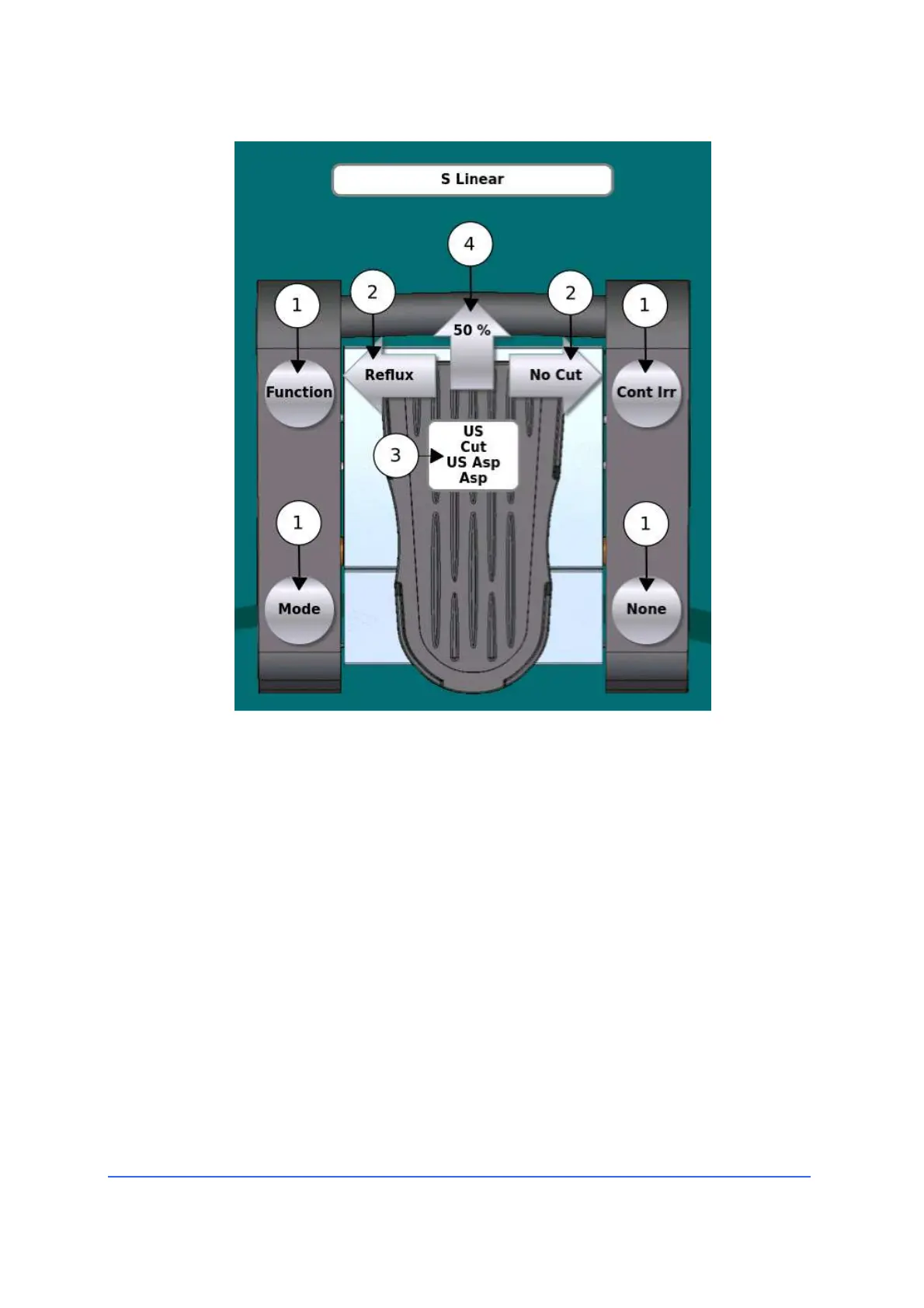
Press "Maintenance" to access the pedal programming graphical interface.
Through this interface the user can customise the various pedal functions.
a. If the user presses one of the four side buttons (1) or one of the side
arrow keys (2), a window appears where you can choose which
function to associate with the single key or lateral movement of the
main paddle.



 To Next Page