4.2.7 TACTILE SCREEN AND USER INTERFACE
R-Evo Smart systems are equipped with an interactive touch screen and LCD (liquid
crystal display). The user interface consist of a graphic software that works on the
Linux platform and simulates the various keys and displays.
The user can select the device function and adjust the related parameters by
touching the screen in the appropriate areas. The current values and the preset
values for each parameter are displayed. If a sterile transparent drape is placed on
the monitor, the device can be activated with sterile gloves.
In order to make the interface screen as much readable as possible, the R-Evo Smart
user interface has been designed so that function keys, preset and actual parameters
values are always visible on the screen, while setup keys for less frequently used
settings are hidden during equipment operation. Parameters are logically grouped in
parameter windows.
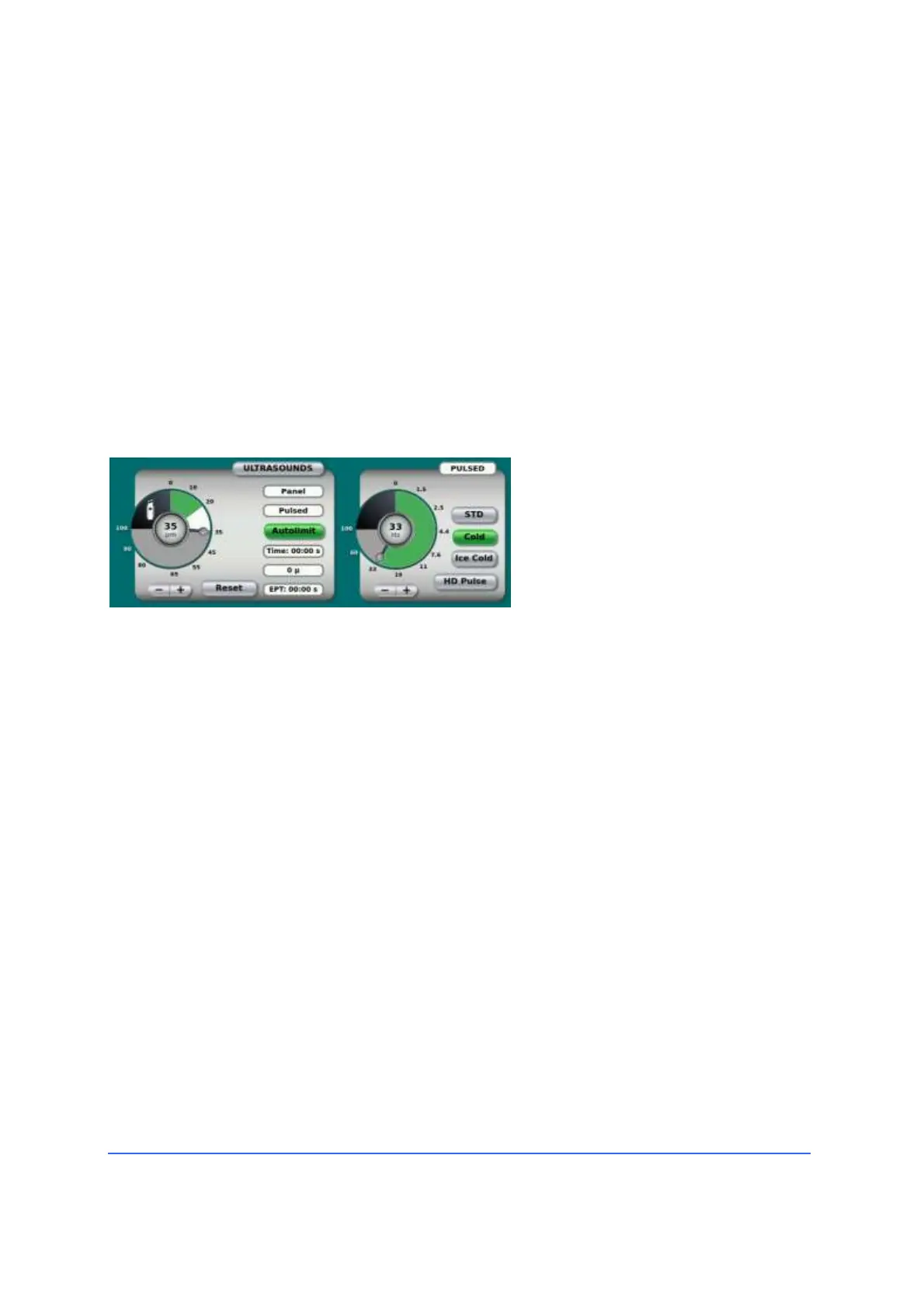
In the example on the left, the
maximum preset limit for the U/S
power (35μm) is shown both in the
centre of the dial and in the radial
indicator.
Ultrasound is emitted in pulsed
mode (33Hz) with low duty cycle
(Cold).
The current U/S power (20 μm) is
indicated by the green coloured
zone from 0 to 20.
To adjust the parameter value, the
user touches the area of the
quadrant near the new desired
preset limit.



 To Next Page