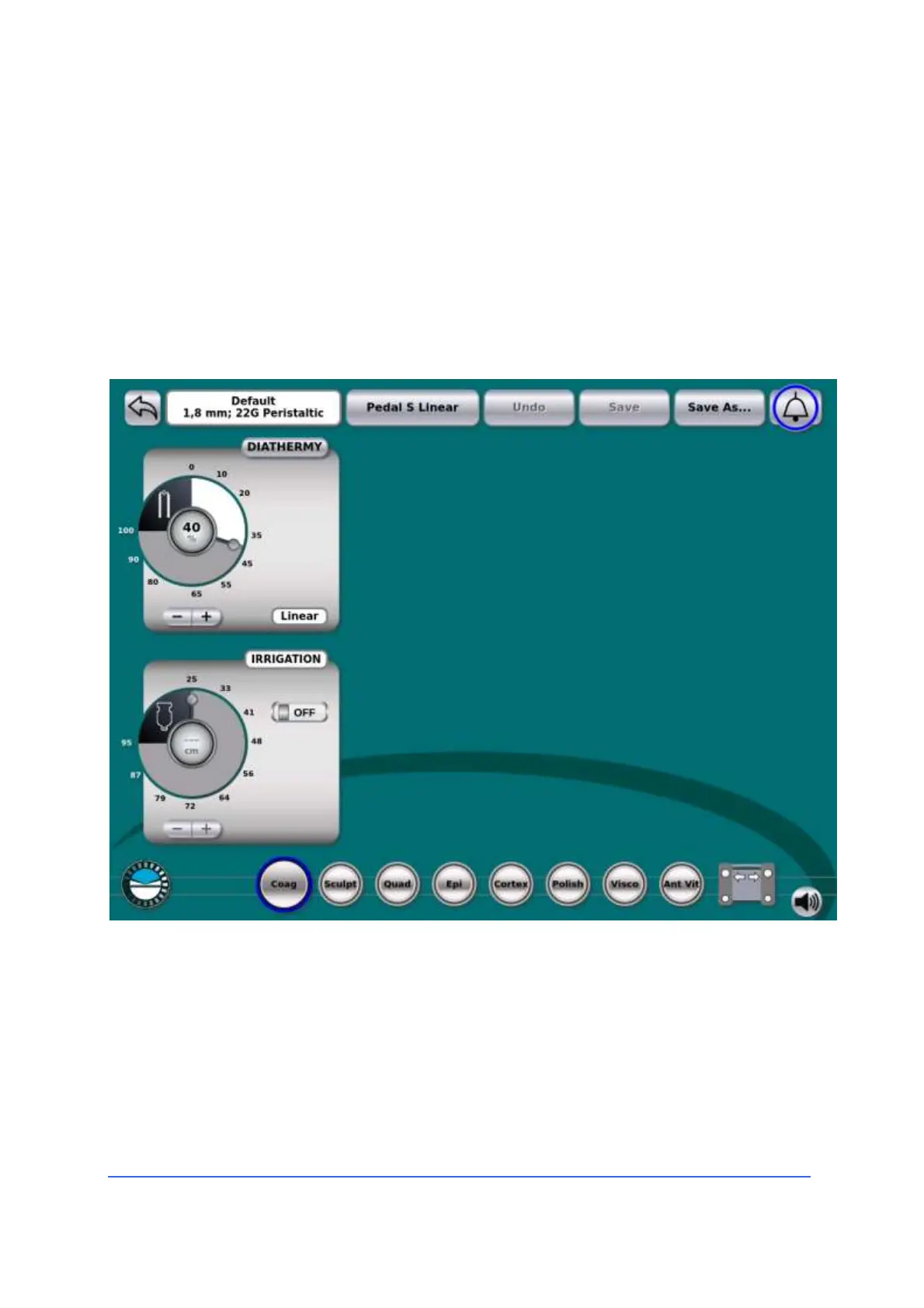
Basic settings for retina modes
4.5.3 Bipolar endothermy for retinal surgery
Connection of accessories
• Connect the desired endothermy handpiece, such as, for
example, the diathermy pencil eraser, to the bipolar
diathermy cord.
• Insert the bipolar diathermy cable connector into the
diathermy socket on the console.
Settings for diathermy
• Adjust the preset power level in the "Coag" panel
(diathermy) using the + - keys or the cursor. If you are
not sure of the power level to use, it is best to start
with low settings and eventually increase them
gradually to achieve the desired surgical effect.



 To Next Page