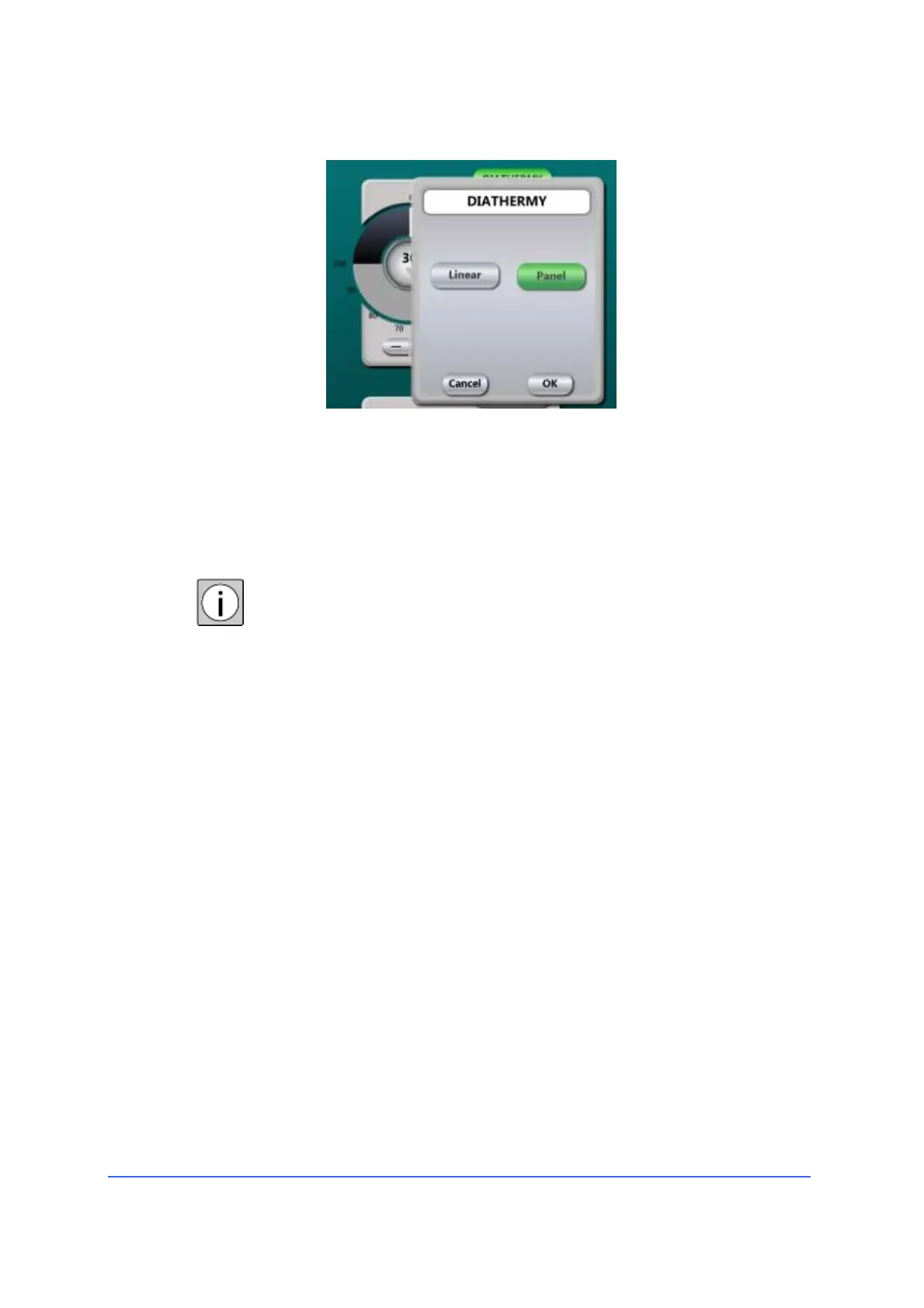
Bipolar diathermy can be activated in both "Panel" and
"Linear" control modes. In the last case, the output power is
linearly controlled from 5% to the preset limit, by pressing
the pedal.
• To switch between "linear" and "panel" modes, touch the
"Linear" and "Panel" buttons.
Adjusting a parameter does not change the default
parameters. To return to the previous parameters press
"Undo", to permanently save the new settings in the
device memory refer to the chapter "Creating a User
program".



 To Next Page