Version 1.1.1 - 2021-1-2514 Translation of original instruction
MB4
EN
MB4_GB_1.fm
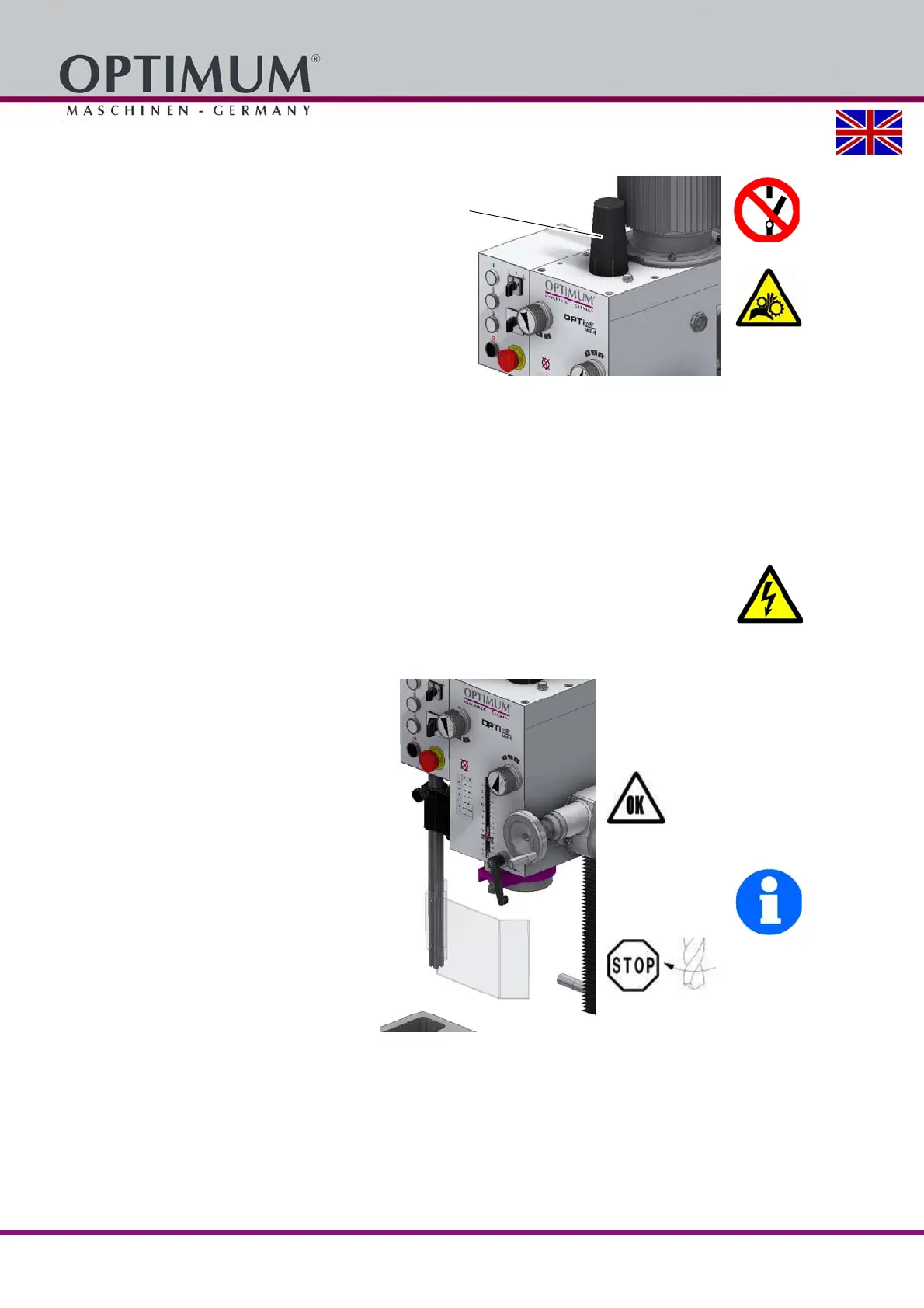
1.9.2 Protective cover
The drilling / milling head is equipped with
a protective cover.
WARNING!
Only remove the protective cover
when the mains plug of the drilling-
milling machine is disconnected.
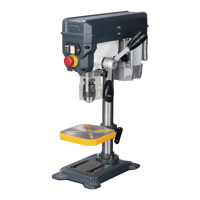
Img.1-3: Protective cover
1.9.3 Lockable master switch
The lockable master switch can be secured in the "0" position by means of a padlock to guard
against the milling machine being switched on accidentally or by an unauthorised person.
The power supply is cut off when the master switch is in the off position.
Except for the areas marked by the pictogram in the margin.
WARNING!
Dangerous voltage even if the main switch is switched off. The areas marked by the
pictogram might contain live parts, even if the main switch is switched off.
1.9.4 Separation guard
Adjust the guard to the correct height
before you start working.
To do so, slacken the clamping screw, set
the required height and re-tighten the
clamping screw.
There is a switch integrated in the spindle
protection mounting which monitors the
closed position.
INFORMATION
The machine cannot be started, if the spin-
dle protection is not closed.
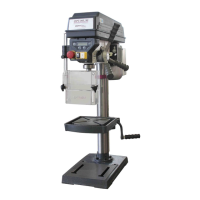
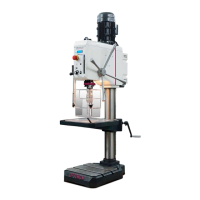
Img.1-4: Separation guard
1.10 Safety check
Check the drilling- milling machine regularly.
Check all safety devices
before starting work,
once a week (with the machine in operation) and
after all maintenance and repair work.




 To Next Page