Modular audio matrix
with IP connection
12. COMMISSIONING THE UNIT
To commission the desktop paging system we must send configurations to it via an Ethernet connection. Accomplishing this
requires a PC equipped with a network card and connected to the COMPACT unit through a switch or directly using a network
cable. The PC must have the c software installed.
1. Place the battery (see section 4. PLACEMENT OF THE BATTERY) and insert the cards required by the installation in the
COMPACT (see section 6. INSERTING THE CARDS).
2. Make the connections between units.
3. Apply power to the units.
4. Via the software, configure the parameters of the COMPACT and the cards contained therein.
5. Send the configurations to the unit.
12.1. Configuration of the COMPACT network addresses
In order to be able to send configurations, the network addresses established from the configuration software and those of the unit
must match.
The network configurations of the unit may be modified directly from the front panel if an Administrator user access level is
available. To change the user, follow the section 13.1. User levels and changes.
12.1.1. Changing the IP address
1. Use the / navigation keys to select the settings
menu ( ).
2. Using the / keys select IP (10.1.1.1) and press OK.
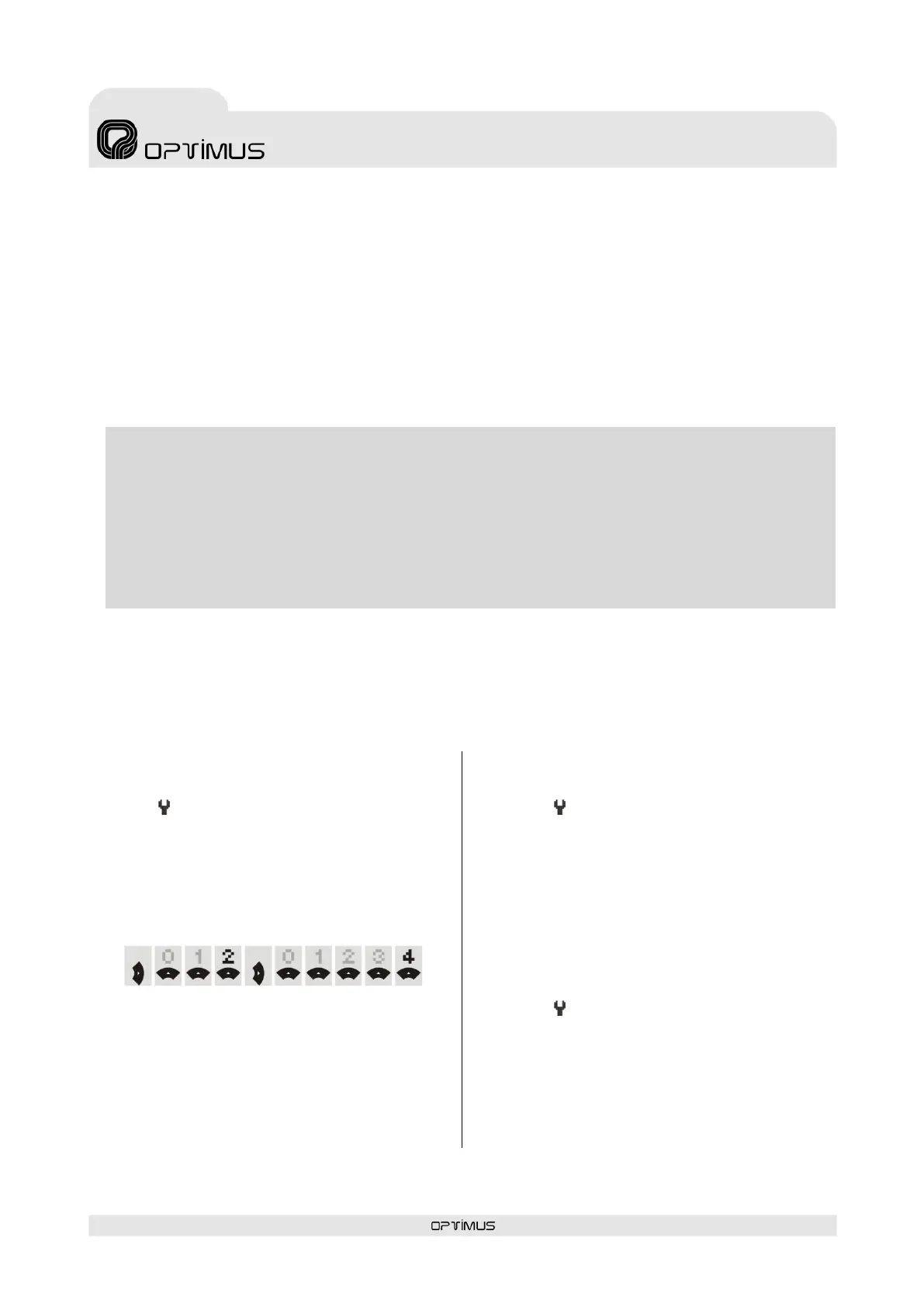
3. Use the or keys to enter the desired digit (from 0 to
9 and blank space).
Move to the next digit using the or navigation keys.
(for example, to enter number 24
enter a blank space, 2, 4)
4. To finish press OK.
12.1.2. Changing the Netmask
1. Use the / navigation keys to select the settings
menu ( ).
2. Using the / keys select NETMASK (255.0.0.0) and
press OK.
3. Use the or keys to enter the desired digit (from 0 to
9 and blank space).
Move to the next digit using the or navigation keys.
4. To finish press OK.
12.1.3. Changing the Gateway
1. Use the / navigation keys to select the settings
menu ( ).
2. Using the / keys select GATEWAY (0.0.0.0) and press
OK.
3. Use the or keys to enter the desired digit (from 0 to
9 and blank space).
Move to the next digit using the or navigation keys.
4. To finish press OK.
WARNING. To send configurations to the unit requires having the unit and the PC within the same IP address
range. The unit's network addresses and those set via the configuration software must match.
By default, the network configurations of the unit are the following:
IP ADDRESS: 10.1.1.1
NETMASK: 255.0.0.0
GATETEWAY: 0.0.0.0 (without Gateway)
If you wish to assign a different network address to the COMPACT, other than the one established by default, refer
to the following section 12.1. Configuration of the COMPACT network addresses



 To Next Page