Chapter 5 - About capturing an image
l
The thin green edge.
l
Only a few eye lashes showing at the bottom of the image.
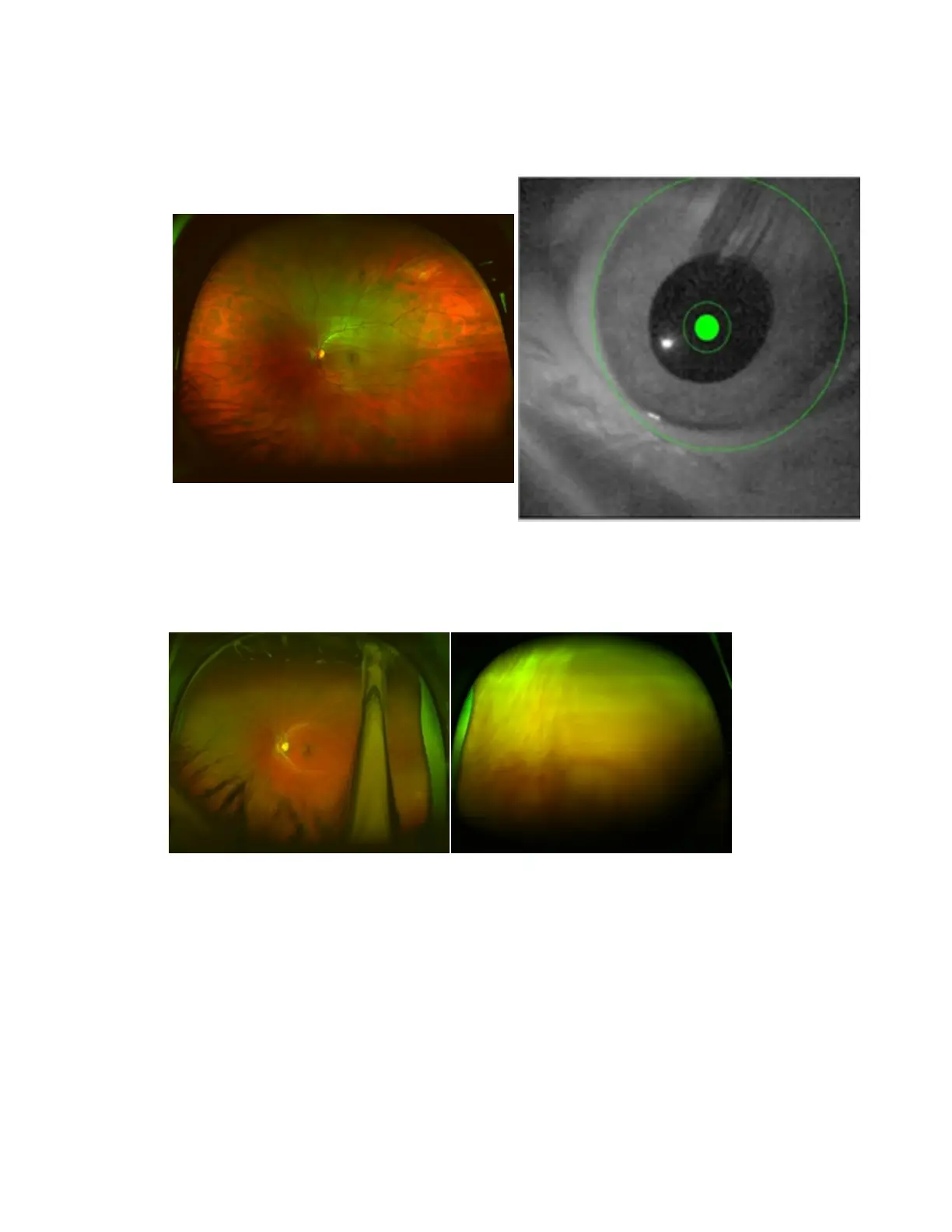
Sample image from 200Tx device.
Well aligned image External Eye Camera view
Badly aligned images - examples
These images show the results of various types of alignment problems.
Patient blinks Patient's eye closed
31 of 100



 To Next Page