Chapter 13 - Where to find features
Button/section Description
Functions in the same way as the Red Contrast Settings slider.
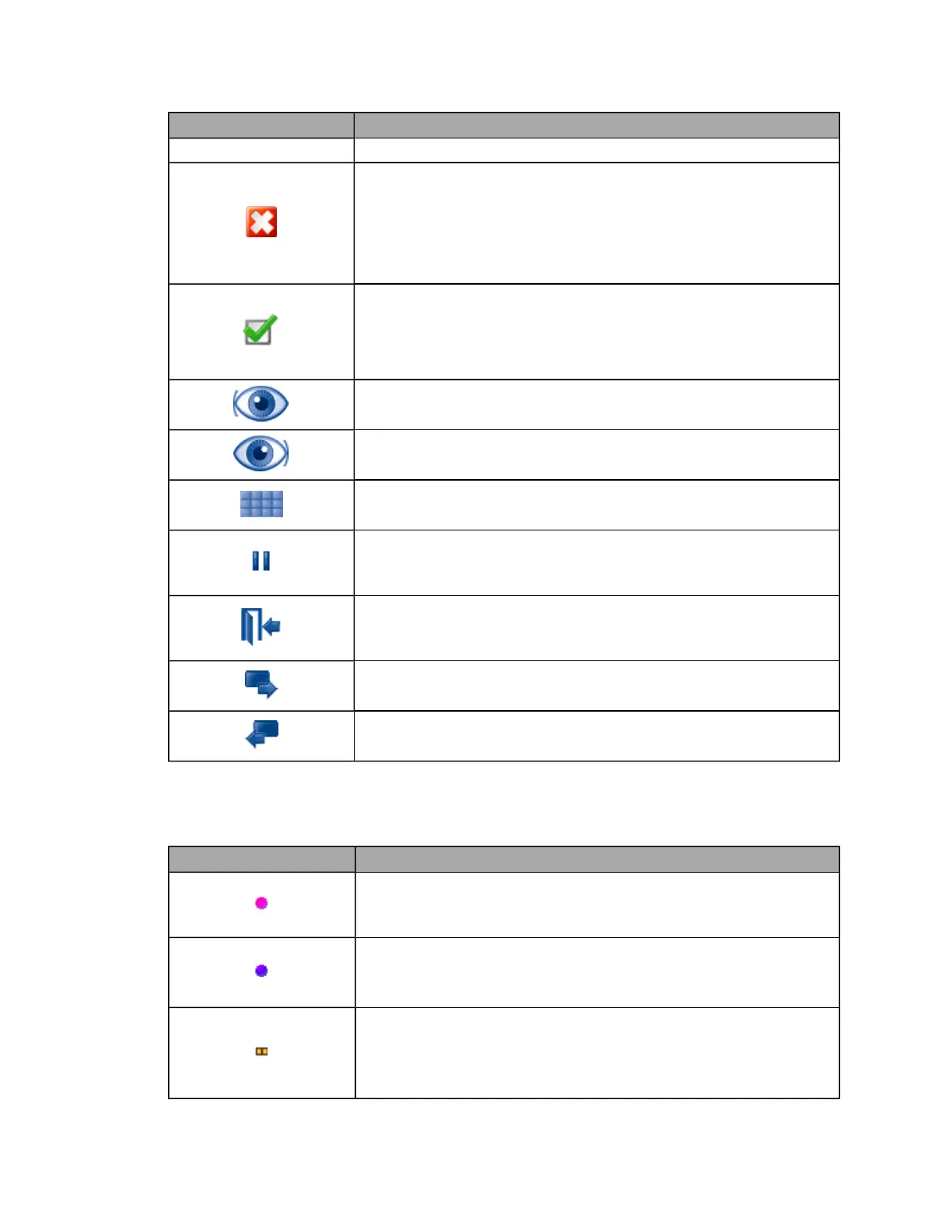
Discard button
Marks the image to be discarded at the end of the session. Click the image
thumbnail to select it then click the Discard Image button. The thumbnail will be
marked with a cross and the image will be discarded at the end of the
session.
The Discard button changes to the Keep button when pressed.
Keep button
Marks the image to be kept at the end of the session. Click the image
thumbnail to select it then click the Keep Image button. The thumbnail will be
marked with a cross and the image will be discarded at the end of the
session. The Discard button changes to the Keep button when pressed.
CHANGE TO LEFT EYE button
Marks the next image captured as a left eye in an optomap® fa session.
CHANGE TO RIGHT EYE button
Marks the next image captured as a right eye in an optomap® fa session.
VIEW IMAGE SERIES button
Displays all the images captured in an optomap® fa capture session.
PAUSE button
Pauses the current optomap® fa procedure . The paused procedures can
be restarted later the same day.
End Procedure button
Closes the current session and discards any images marked to be
discarded. All other images will be saved.
Next Image button
Selects the next image in the optomap® fa image series.
Previous Image button
Selects the previous image in the optomap® fa image series.
Review application user reference
Image Indicators
Button/section Description
optomap® plus Patient indicator
This indicator is shown on the Patient List. It indicates that the patient has
previously been imaged using an optomap® plus procedure.
optomap® plus Assigned Procedure indicator
At sites where insurance reimbursement is carried out, this indicator is
shown on the Patient History view. It indicates that a reimbursement code has
been assigned to the optomap® plus session.
Stereo Pair indicator
At sites where capturing Stereo Images is available, this indicator is shown on
the Stereo Images thumbnail in the Patient History view.
Stereo Images should not be used for diagnostic purposes.
81 of 100



 To Next Page