Chapter 3 - Getting to know the device
Attaching and detaching the Patient Arm Support
The patient arm support is fitted with a clamp and can be attached and removed from the table wings.
Warning
Some devices are supplied with a patient arm support. The patient arm support
supplied with the device is designed to support the weight of a resting arm. Do not
exceed the weight indicated on the patient arm support. When in use, ensure the
patient arm support is securely clamped to the table wing, and that it is covered
with a piece of absorbent paper.
Attaching and detaching the Head Rest
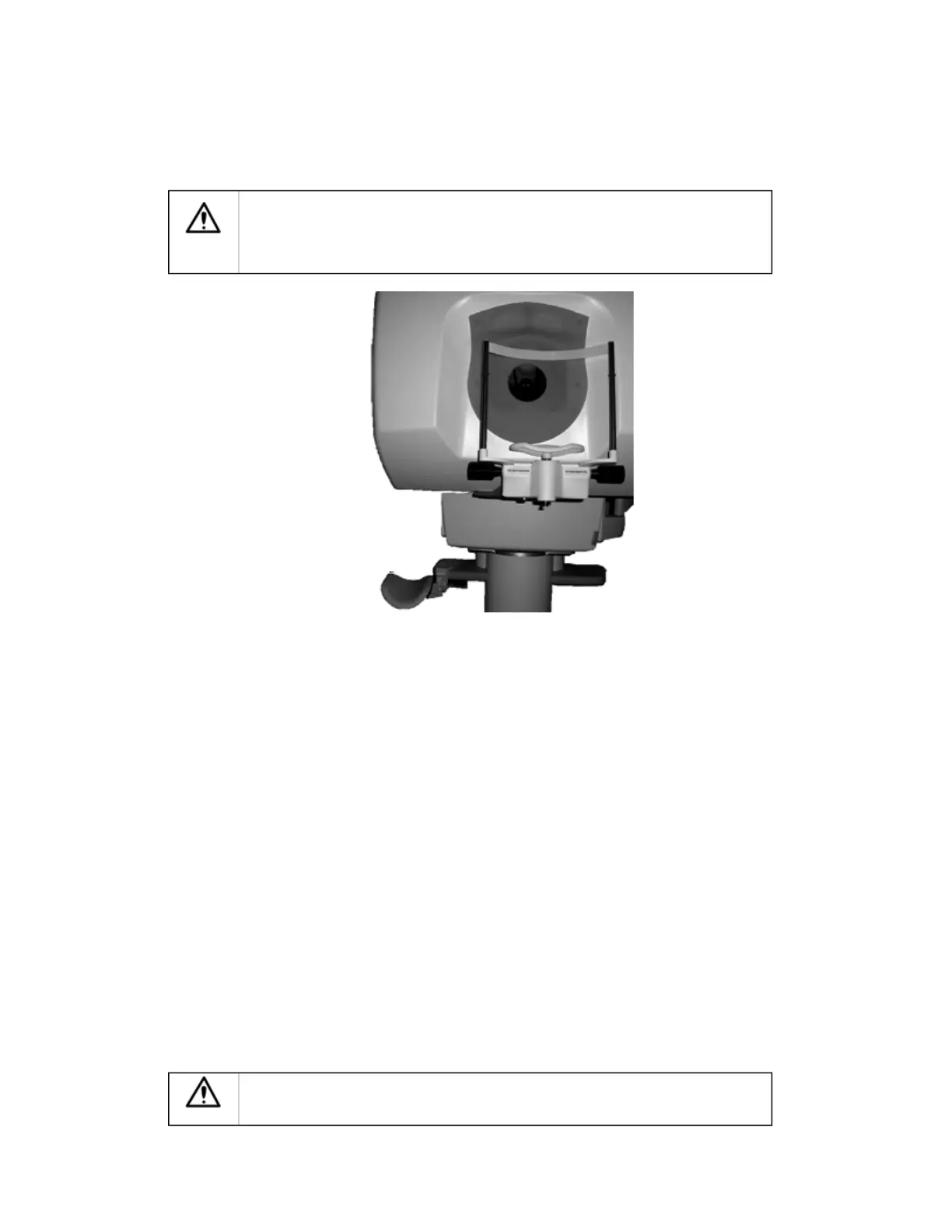
To remove the head rest for cleaning, pull the head rest bolt down and turn one-quarter turn to lock it open.
You can then remove the head rest by sliding it toward you.
When attaching the head rest, push the head rest back in place and then turn the head rest bolt a quarter
turn to release the lock.
About the detector settings
There are a several factors to be considered when selecting the appropriate detector settings:
l
The patient
l
The system response
l
The operator
The patient
When meeting a patient at the start of the imaging session, it is important to assess the amount of
pigmentation in the patient's iris.
Less laser light is reflected by the retina in patients who have a greater amount of pigmentation. This can
result in dark images being captured because less light has been returned from the eye. You should select
the appropriate iris category setting to suit the patient's pigmentation levels.
Small pupil size can also restrict the amount of laser light returned from the retina. Since less laser light is
returned through the smaller pupil, the captured image may seem dark. To minimize this, you should
capture images in a dimly lit room.
Working in Low Light Conditions
9 of 100



 To Next Page