Chapter 13 - Where to find features
Storage application user reference
Button/section Description
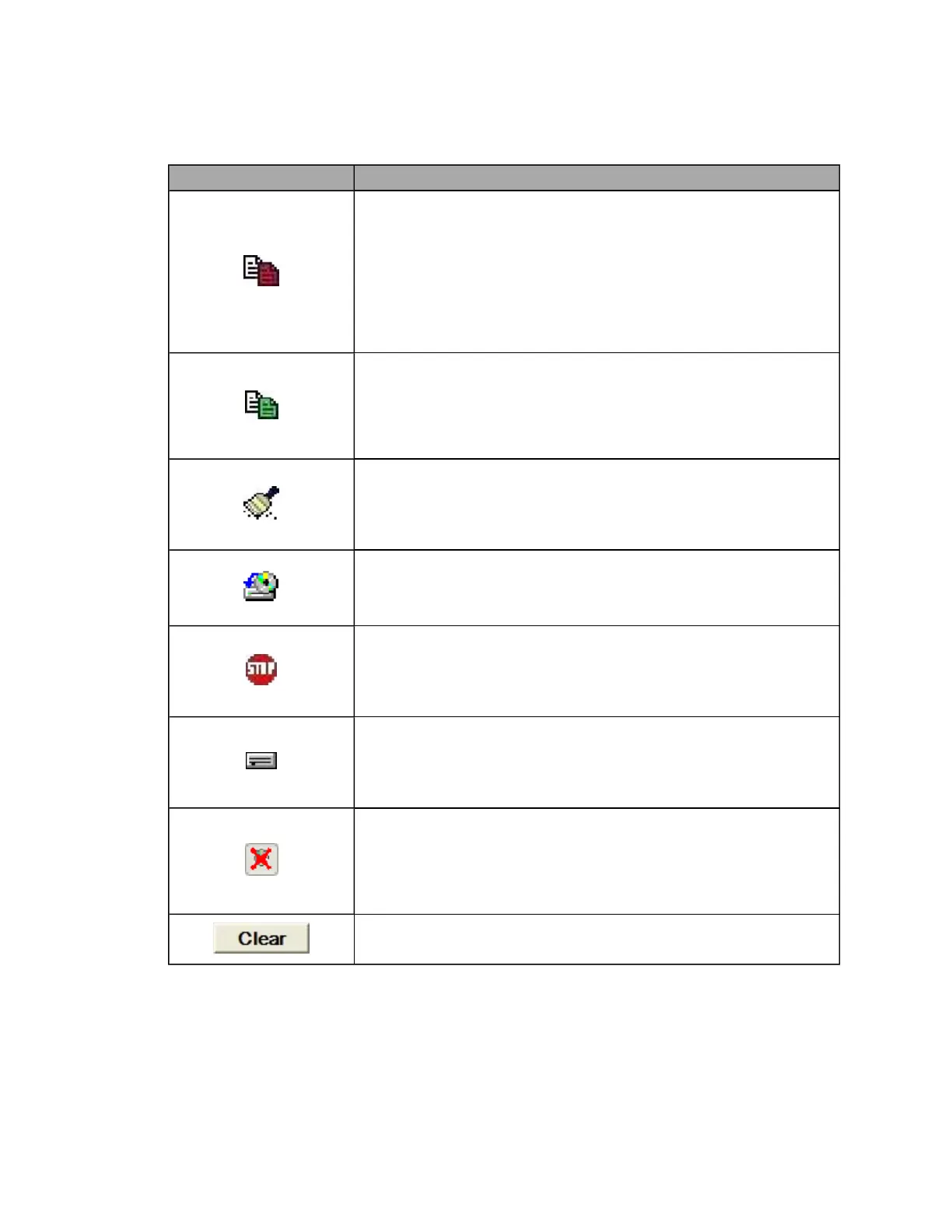
Archive and Verify button
Copies the database and all primary (uncompressed) image files from the
PC's hard disk to the storage device. These original files are usually large,
uncompressed files that fill the hard disk quickly.
Archiving primary image files can take a considerable amount of time, so
archiving should be carried out frequently to avoid a large number of
images being archived at once.
You can also select Run menu > Archive Task.
Secondary Archive and Verify button
Copies all secondary (compressed) images from the hard disk to the
storage device. These compressed images require less storage space and
so may not need to be cleaned up as frequently as the primary image files.
You can also select Run menu > Secondary Archive Task.
Run Cleanup Task button
Archived files from within a defined time period are removed from the hard
disk. This creates disk space for new images.
You can also select Run menu > Cleanup Task.
Run Restore Task button
Restores the database and/or image files from an archive.
You can also select Run menu > Restore Task.
Stop Task button
Stops the task in progress. The current file is completed and then the
process is stopped. This may take up to a minute depending on the task.
You can also select Run menu > Stop Task.
Storage Status button
Displays the current status of the online storage (hard disk) and offline
storage (disk).
You can also select Status menu > Storage status.
Delete Media Item button
Deletes the disk archive label reference from the database. The files can
be re-archived if they have not been cleaned up. If the files have been
cleaned up then the data cannot be restored.
You can also select Media menu > Delete Item.
Clear Task History button
Clears the archive data shown in the Task History tab.
91 of 100



 To Next Page