Chapter 13 - Where to find features
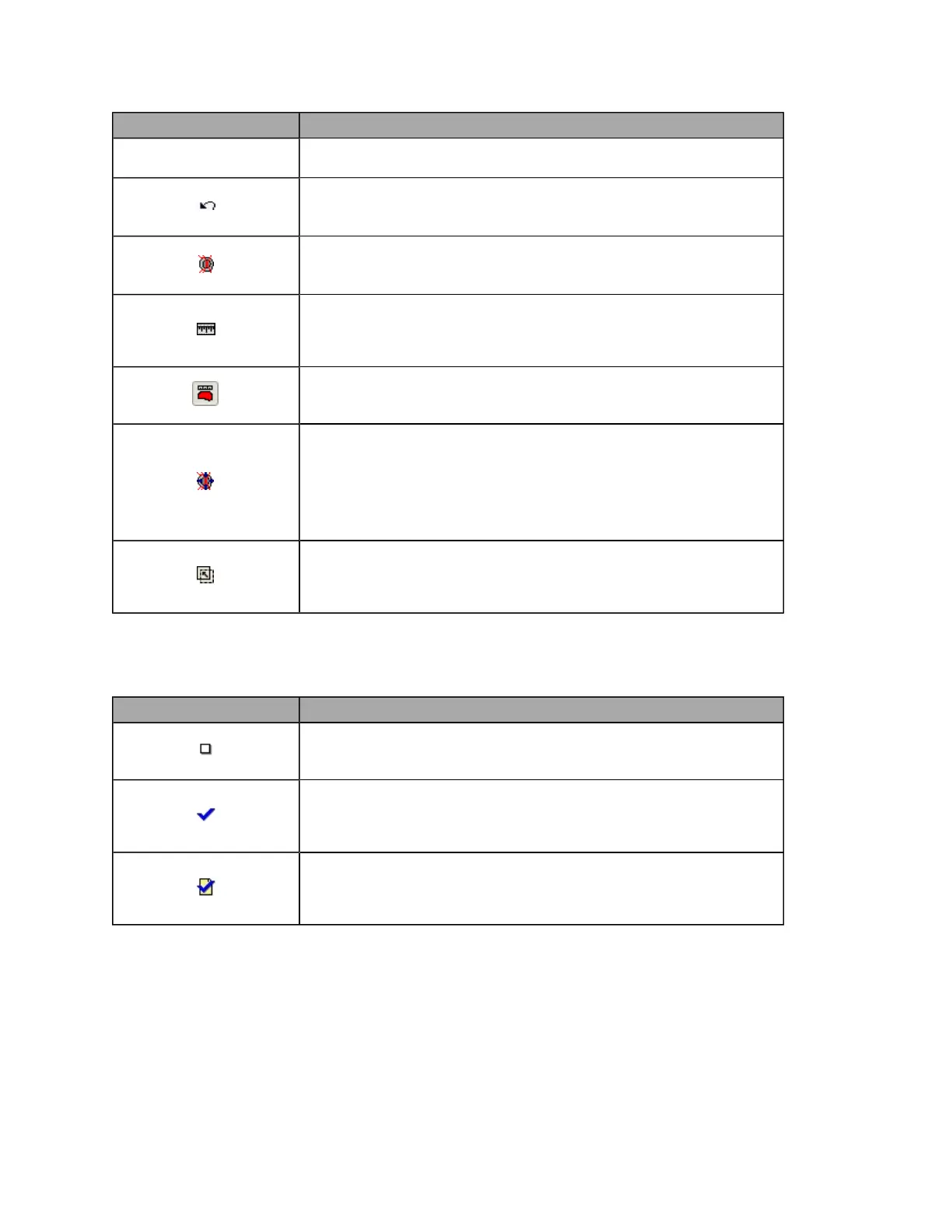
Button/Section Description
Retinal drawings are not available when reviewing standard optomap®
images.
Undo annotation tool
Removes the most recent annotations. Annotations cannot be removed or
changed after an image has been closed.
Cup to Disk Ratio measurement
Click at least five points on the edge of the cup, then repeat around the
disk. The Cup to Disk Ratio is displayed.
Distance measurement
Click points at both ends of the distance.
The distance is measured in pixels. The number of pixels will be
displayed.
Area measurement
Hold down the left mouse button and draw around the area.
The area is measured in pixels. The number of pixels will be displayed.
ISNT Rule Measurement
Hold down the left mouse button and draw and draw a line across the
inferior, superior, nasal and temporal neuro-retinal rims.
Further investigation is required if the measurement is displayed in pink.
Cup to Disk Ratio details are also displayed.
ISNT Rule Measurements are not available when reviewing standard
optomap® images.
Image Registration
Click the center of the optic disk and then click the center of the macula.
Once images have been registered stacked and linked images are align
at the optic disk and macula.
About Review Notes
Review Notes are text mark-ups that are saved with the image file. The following symbols are shown in the
Patient History view. They indicate whether an image has been reviewed.
Symbol Description
Not reviewed
This symbol indicates the image has not yet been reviewed.
The symbol is displayed in the Patient History's Session List.
Reviewed with no comments
This symbol indicates if the image has been reviewed but no comments
have been added.
The symbol is displayed in the Patient History's Session List.
Reviewed with Comments
This symbol indicates if the image has been reviewed and comments
have been added.
The symbol is displayed in the Patient History's Session List.
90 of 100



 To Next Page