11
2. Operating your Security System
Introduction
Before attempting to operate your security system, please ensure that you have familiarised
yourself with the procedures covered in this section of the manual.
User Menu
On entering a valid access code or presentation of a tag, the keypad will display the ‘User
Menu’. This menu is used to perform all system operations including arming, disarming, testing
and system configuration.
Before Arming the Security System
Before attempting to arm your security system, ensure that all protected areas are secure by
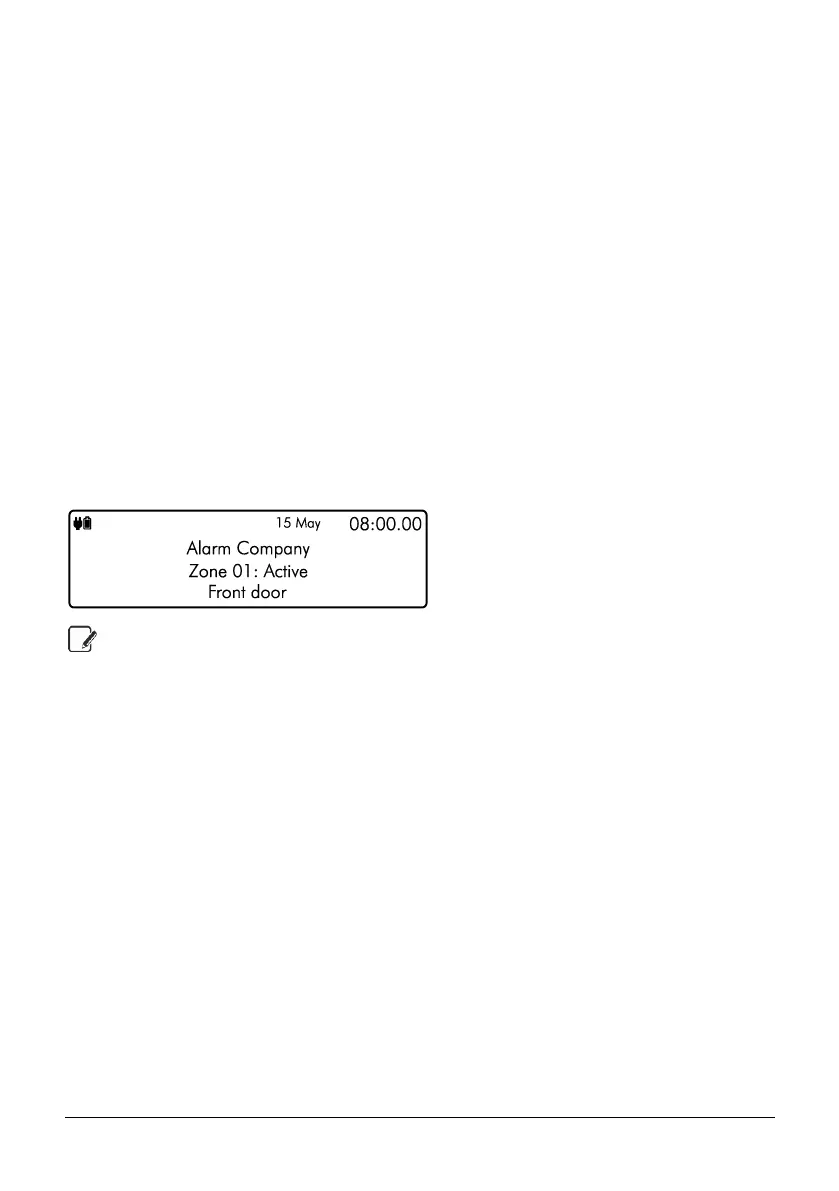
closing any doors and windows etc. If the system is not ready for arming the keypads show the
zones that are active (if enabled by your installer) and the keypad status LED will illuminate in
yellow:
If your system has the ‘Global Keypad Information” option enable by your installer, the
keypad will show zone status information for all zones. If the option is disabled, the
keypad will only show zones status information for zones that are assigned to the same
area as the keypad.



 To Next Page