12
Full Arming Your Security System
The full arming mode is used for protecting all detection zones within your allocated areas and
is normally used when leaving the premises or area unoccupied. Before attempting to full arm,
check that your areas are ready for arming. To full arm your area(s), please proceed as follows:
1. Enter code or present tag to select the user menu.
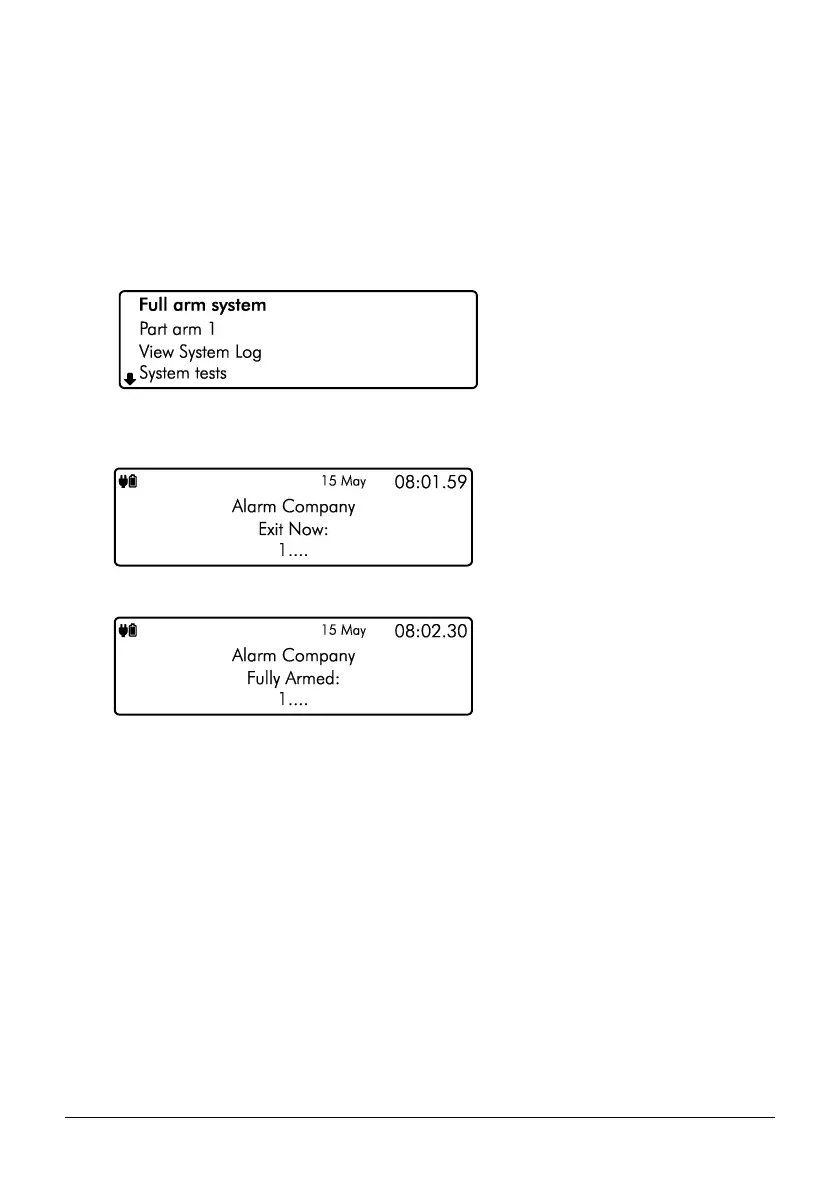
2. From the user menu, use the U/ u and D/ p keys to scroll to Full arm
system’:
3. Press E or k to full arm, the exit tone will start and the keypad will instruct you to
exit the protected area:
4. The keypad will then indicate that the system is Fully Armed.



 To Next Page