40
Set Time & Date
This menu option lets you change the panel’s time and date.
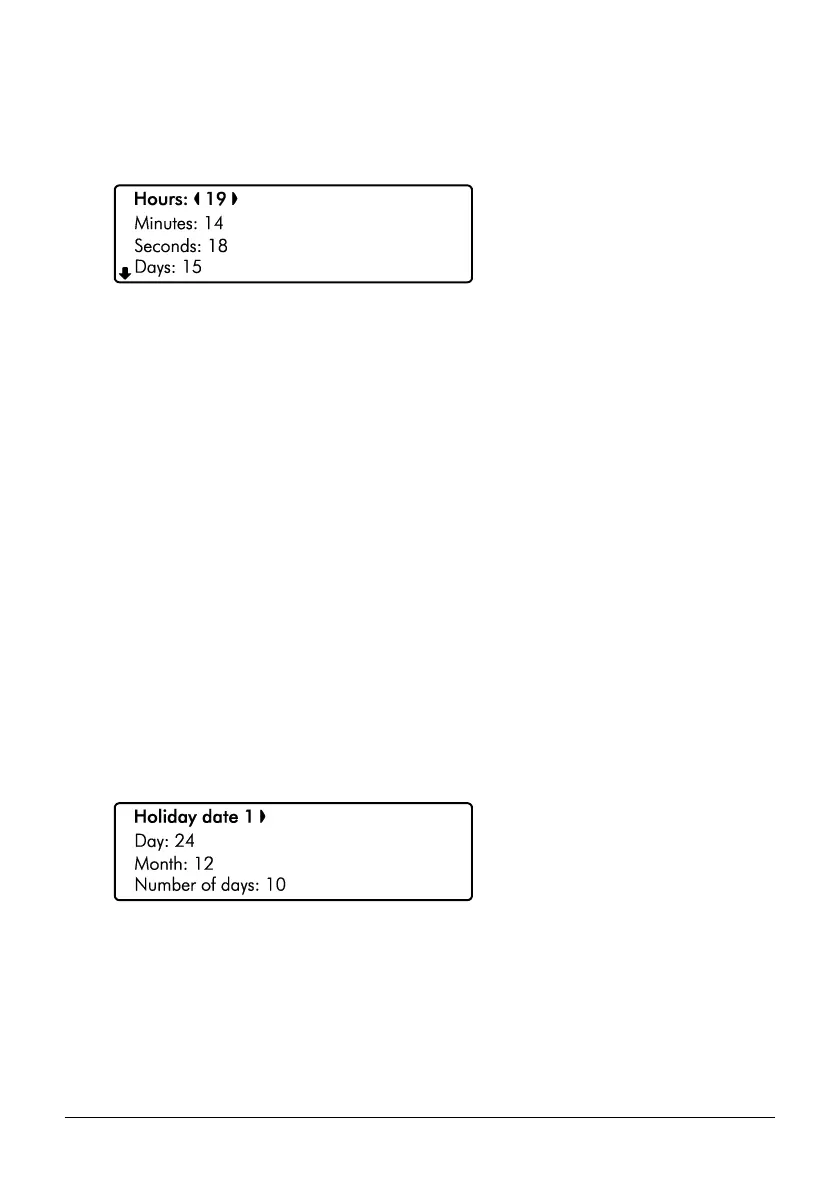
1. Ensure that the ‘Set time & date’ menu is selected, see page 39:
2. Use the U/ u and D/ p keys to select ‘Hours’, ‘Minutes’, ‘Seconds’, ‘Days’,
‘Months’ or ‘Years’. Then use the L/ o and R/ r keys to change the value.
3. Hold the B / o or @ key for 2 seconds to exit the menu.
Holiday Dates
There are 5 programmable holiday dates. Each holiday date can be used to override control
timers e.g., Christmas holidays. By assigning a holiday date for the duration of a work places
holiday, the control timer cannot disarm the system.
Holiday date
The selected Holiday date (1-5).
Day
The start day for the selected Holiday date.
Month
The start month for the selected Holiday date.
Number of Days
The number of days for the selected Holiday date.
1. Ensure that the ‘Holiday Dates’ menu is selected, see page 39:
2. Use the U/ u and D/ p keys to select ‘Holiday date’, ‘Day’, ‘Month’ or
‘Number of days’. Then use the L/ o and R/ r keys to change the value.
3. Hold the B / o or @ key for 2 seconds to exit the menu.



 To Next Page