14
Disarming your security system
When the system or area is armed, you must enter the protected area via the designated entry
route. Upon entering the premises, the entry timer and entry tone will start. To successfully
disarm the alarm, a valid access code or tag must be entered before the entry timer expires.
To disarm your area(s), please proceed as follows:
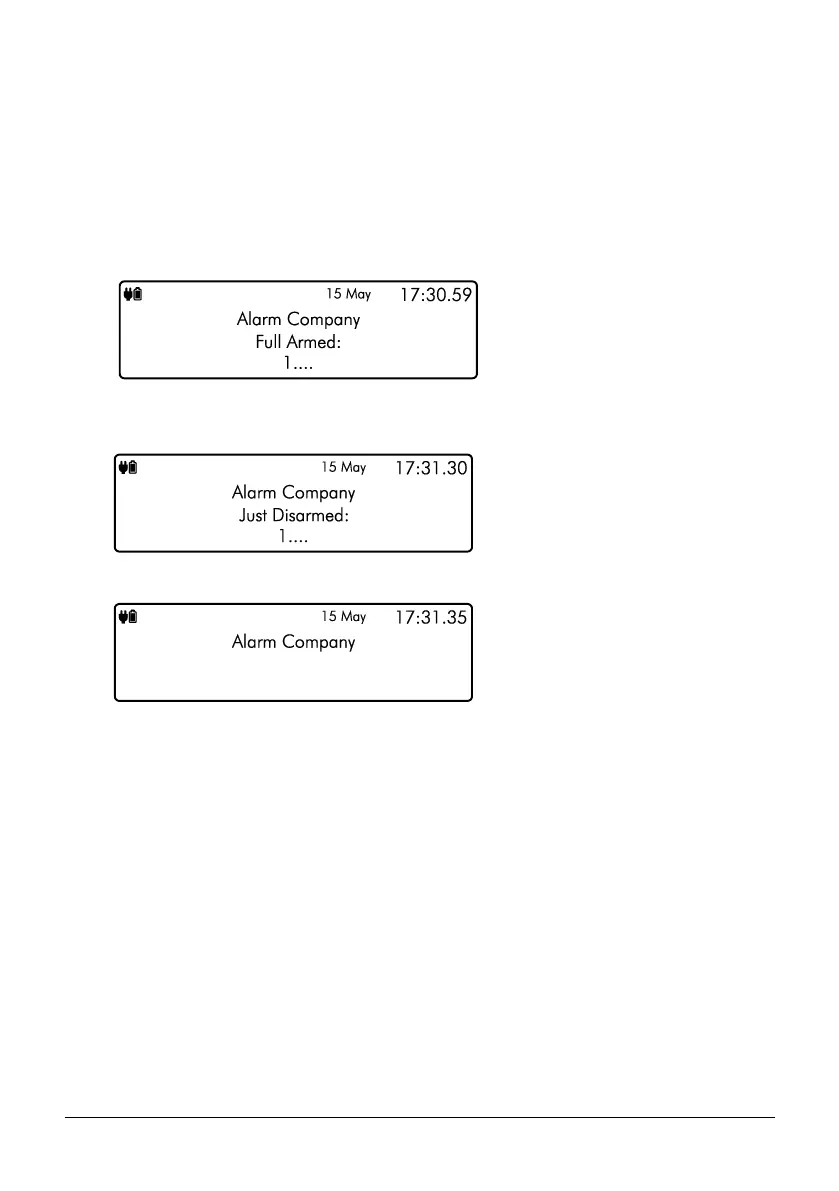
1. Enter the protected area by the designated entry point, the entry tone will sound and
the keypad will show the following screen:
2. Enter your code or present tag, the entry tone will silence and the keypad screen will
indicate that the system has just been disarmed:
3. After a short delay the keypad will then return to normal operation:



 To Next Page