Ottobock | 59B600
Menu Joystick function
Next action: Move the joystick for
ward/back to operate the seat function
(not illustrated) Next action: Press the [Mode] button on
the control panel repeatedly to return to
the Options menu
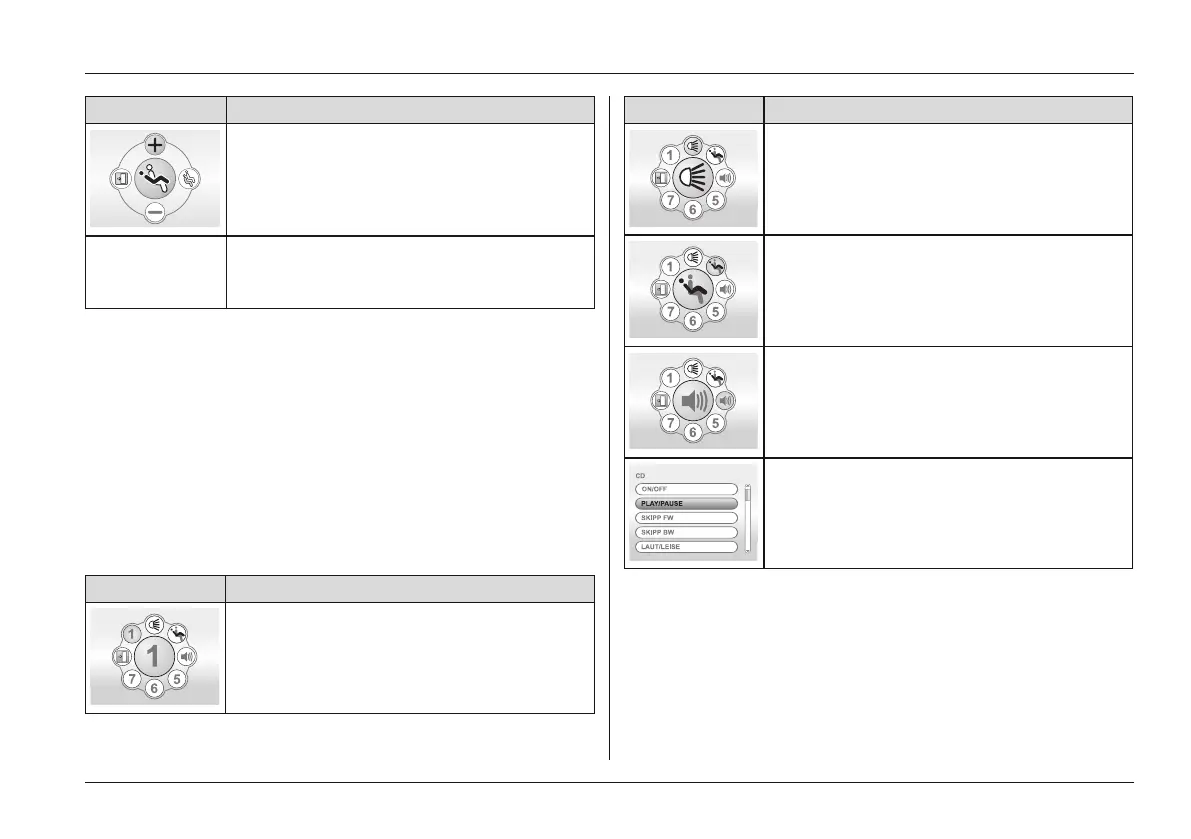
Favourites menu (menu colour = yellow)
• The Favourites menu can be used to quickly access
those functions which are most important to the user.
• The functions can be assigned by the authorised per
sonnel according to the user's individual requirements.
• The joystick is used to navigate in this menu, as
described for the Options menu.
• Press the [Mode] button on the control panel to return to
the main menu.
Favourites menu (example)
Menu Option
First favourites function selectable
Menu Option
Light function selectable
Specified seat function selectable
Stored environment controls function (Hi-
Fi in this case) selectable
> e.g. CD player Hi-Fi function
Further LCD display functions
Further information on the LCD monitor is covered in the fol
lowing chapters:
• "Usage" chapter > "Drive-away lock": Drive-away lock
• "Usage" chapter > "Power seat functions": see Page41
• "Maintenance/Repair" chapter > "Troubleshooting": see
Page82
Usage















 To Next Page