58 | Ottobock B600
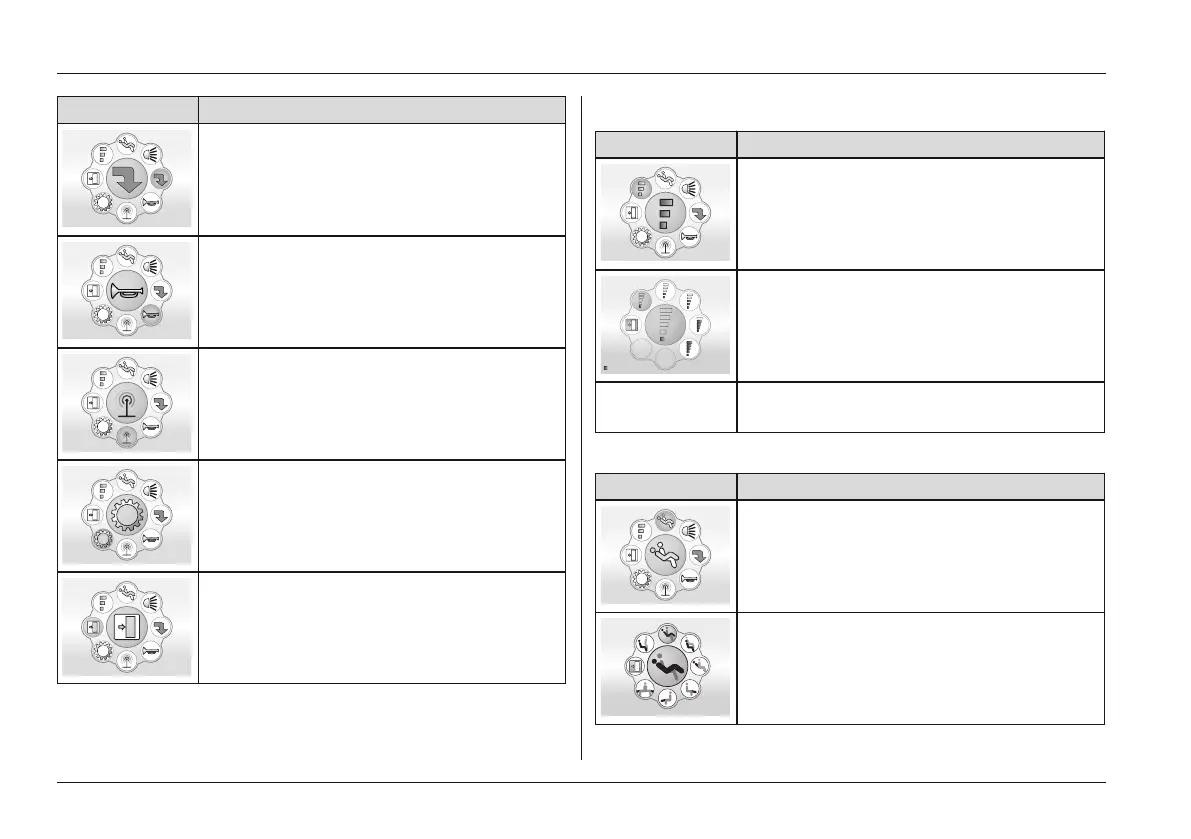
Menu Information
Additional functions menu selectable
(e.g. drive-away lock, depending on pro
gramming)
Horn menu selectable: Further submenus
allow the horn to be turned on/off
LCD environment control functions
menu selectable: further submenus allow
TV, phone, etc. to be controlled
System settings menu selectable: Func
tion is reserved for authorised personnel
Return to the initial Driving menu screen
• Navigation within a selected submenu is also done with
the joystick movements described above:
Select speed level
Menu Joystick function
Next action: Move the joystick to the front
Next action: Move joystick to the right until
the desired speed level is highlighted
(not illustrated) Next action: Move the joystick to the front
to select the speed level
Selecting a seat function
Menu Joystick function
Next action: Move the joystick to the front
Next action: Move the joystick to the right
until the desired seat function is selected
Usage















 To Next Page