valid until it is changed again.
Note: The preset setting of the probe attenuation coefficient in the
menu when the oscilloscope is delivered is 10X. Make sure
that the attenuation switch setting value on the probe is the
same as the probe attenuation coefficient option in the
oscilloscope menu.
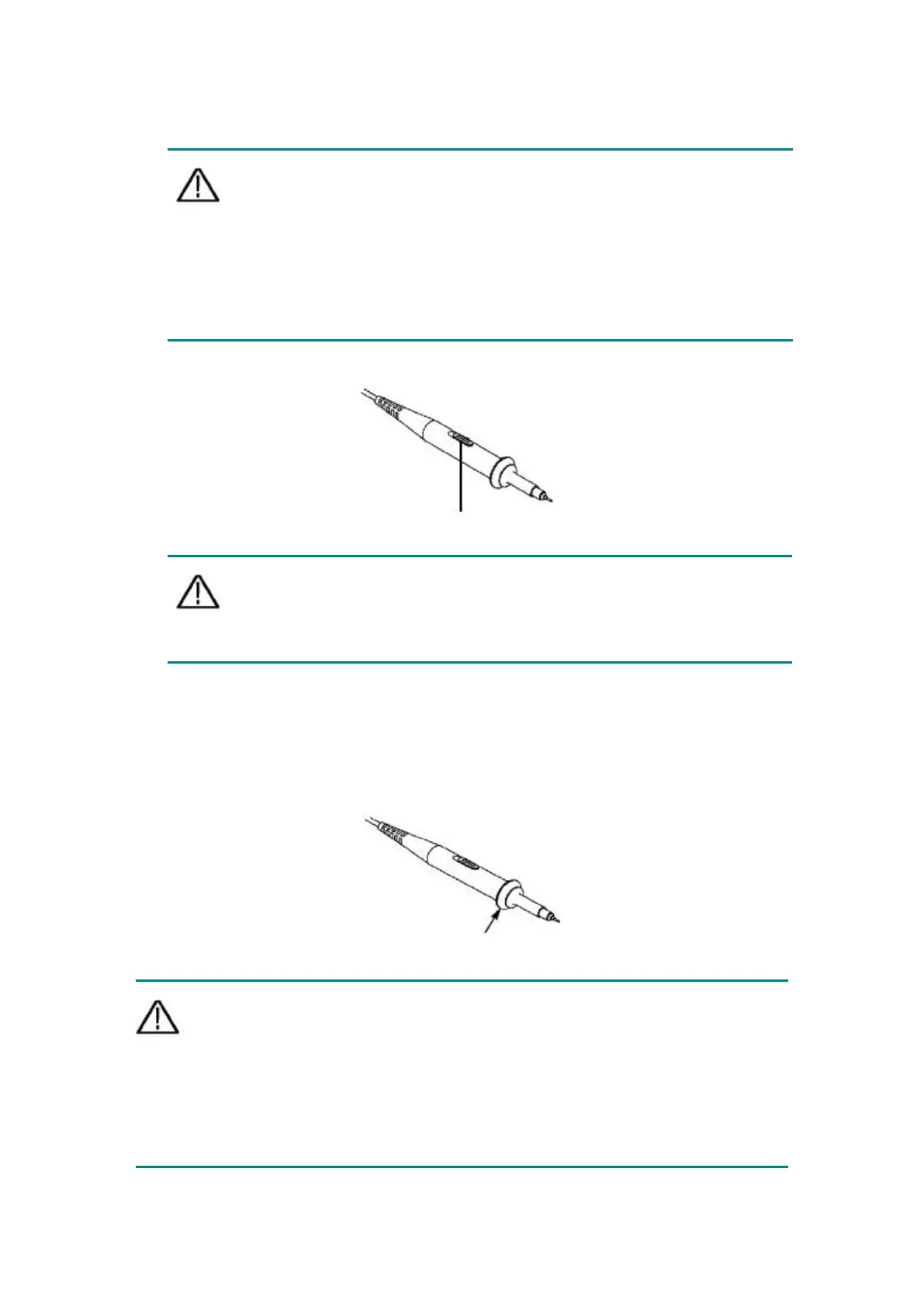
The setting value of the probe switch is 1X and 10X. See Figure 3- 7.
Figure 3- 7: Probe Attenuation Switch
Note: When the attenuation switch is set to 1X, the probe limits the
bandwidth of the oscilloscope to 5 MHz. To use the full
bandwidth of the oscilloscope, be sure to set the switch to
10X.
Safe Use of Probe
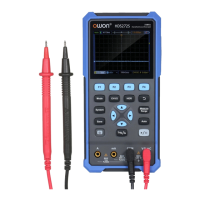
The safety ring surrounding the probe body provides a barrier to protect the
fingers from electric shocks. See Figure 3- 8.
Figure 3- 8: Finger Safety Ring of the Probe
Warning: To prevent electric shock when using the probe, please keep
your fingers behind the safety ring on the probe body.
To prevent electric shock when using the probe, do not touch the
metal part of the probe head when the probe is connected to a
voltage source.


 To Next Page