The bandwidth of the oscilloscope.
Horizontal System
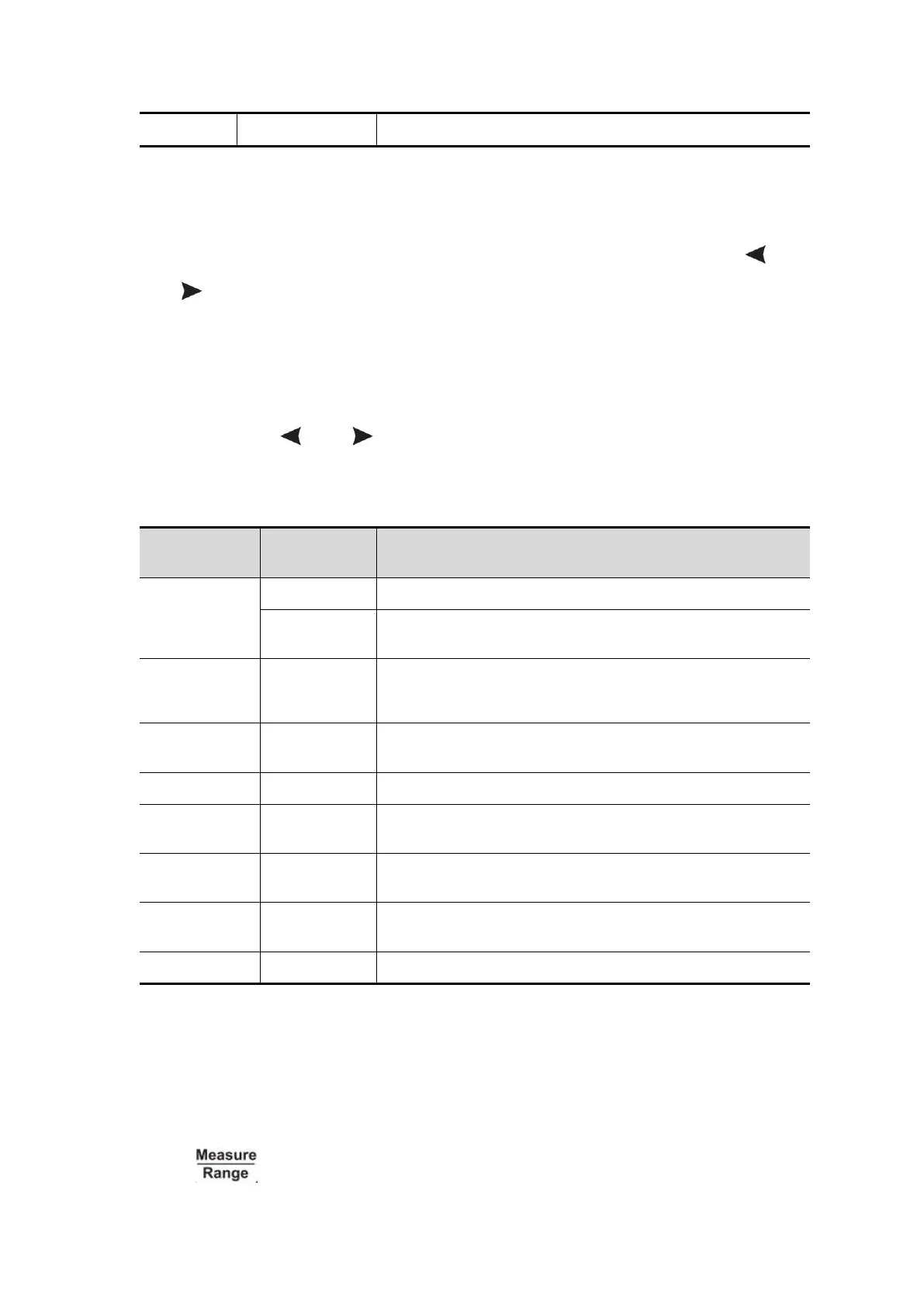
Press the HOR key to enter the horizontal system setting menu. Use the
and direction keys to change the horizontal scale (time base) and
horizontal trigger position. When changing the horizontal scale, the waveform
is enlarged or reduced relative to the center of the screen. When the horizontal
position changes, the position relative to the waveform trigger point changes.
Note: Press the and direction keys at the same time to center the
horizontal position.
The description of the horizontal system setting menu is as follows:
Used to detect interference glitches and reduce
the possibility of confusion.
Select the length to be recorded.
Choose to turn XY mode on or off.
Set the refresh rate to "High" or "Low".
Set the horizontal trigger position in the middle of
the screen.
Return to the previous menu.
Measuring System
Automatic Measurement
Press and F1 key to realize automatic measurement. There are up to


 To Next Page