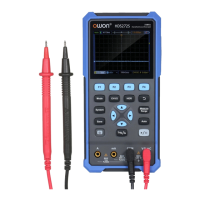
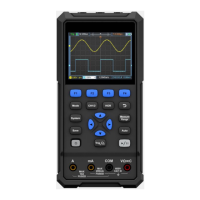
Display unknown signals using automatic Settings
The automatic setting function enables the oscilloscope to automatically
display and measure unknown signals. This function optimizes position,
range, timebase, and trigger and ensures a stable display of any waveform.
This feature is particularly useful for quickly checking several signals.
To enable auto-setup, perform the following steps:
1. Connect the oscilloscope probe to the measured signal.
2. Press the Auto key, the oscilloscope enters the automatic measurement
state, and the measured signal will be displayed on the screen.
Trigger System
The trigger determines when the oscilloscope starts to acquire data and
display waveforms. Once the trigger is set correctly, it can convert an unstable
display into a meaningful waveform.
When the oscilloscope starts to acquire data, it first acquires enough data to
draw the waveform on the left side of the trigger point. The oscilloscope
continuously acquires data while waiting for the trigger condition to occur.
When a trigger is detected, the oscilloscope continuously acquires enough
data to draw a waveform on the right of the trigger point.
The trigger mode of this series of oscilloscopes is edge trigger.
The edge trigger mode is to trigger on the trigger electrical level of the edge of
the input signal, that is, trigger on the rising and falling edges of the input
signal.
Entering the edge trigger, the trigger setting information is displayed at the
bottom right corner of the screen, e.g. . It indicates that the
trigger type is rising edge, the trigger source is CH1, the trigger coupling is DC,
and the trigger electrical level is -20.0mV.
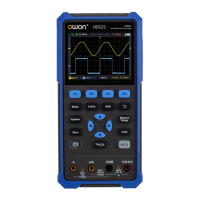
The description of the trigger system setting menu is as follows:


 To Next Page