6. Communication with PC
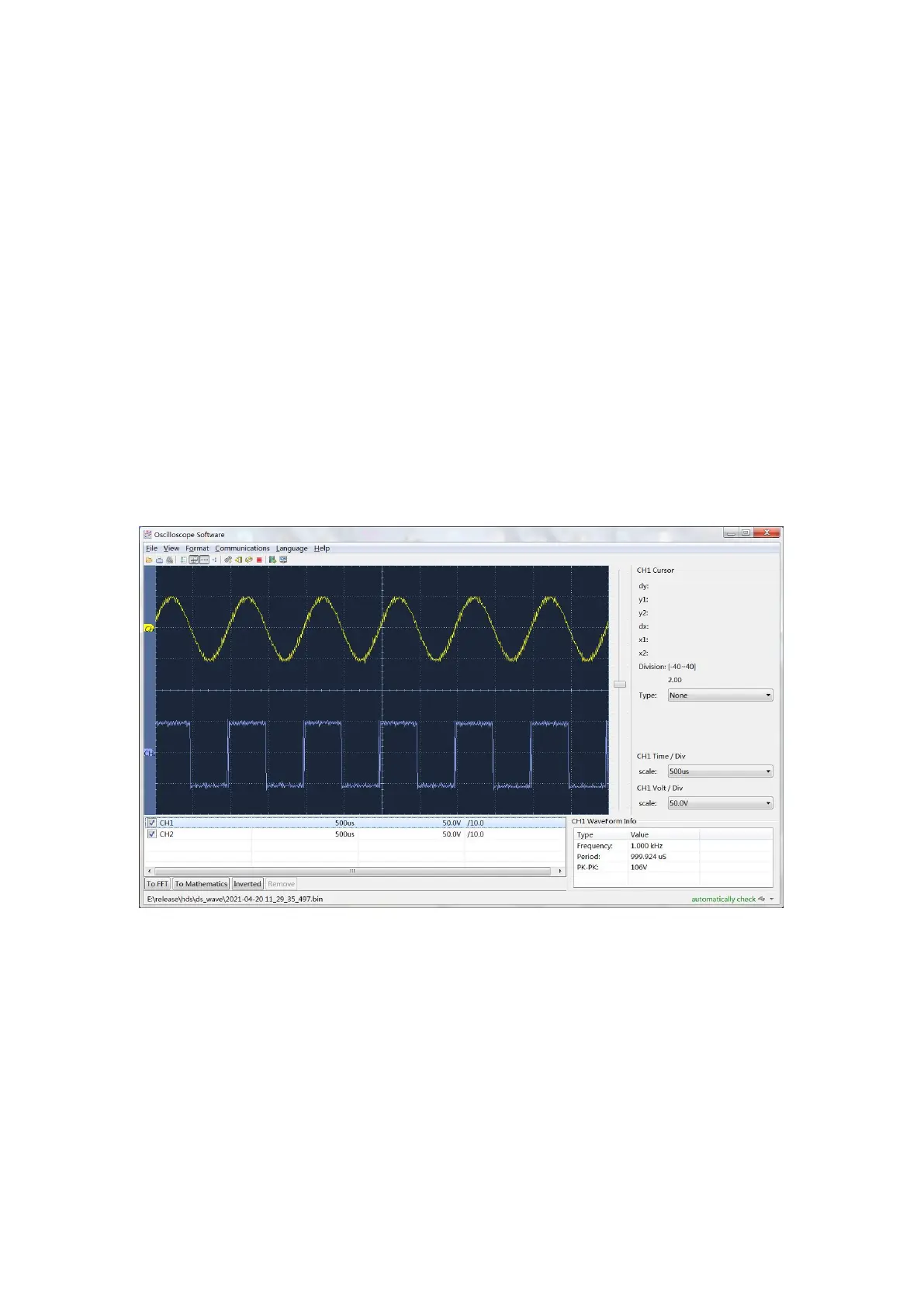
The oscilloscope supports communications with a PC through USB. You can
use the Oscilloscope communication software to store, analyze, display the
data and remote control.
To learn about how to operate the software. Please download the
oscilloscope communication software on our official download website and
view it.
Here is how to connect with PC. Please download the Oscilloscope software
package from our official website onto your computer, double-click it, and
follow the prompts until the installation is complete.
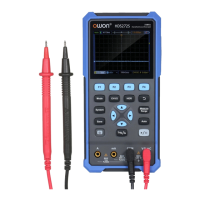
(1) Connection: Use a USB data cable to connect the USB Device port in
the right panel of the Oscilloscope to the USB port of a PC.
(2) USB Port Settings: The USB protocol type of the oscilloscope needs to
be switched to HID (Press System
→
F4
→
USB, and switch to HID).
(3) Run the Oscilloscope software after, the connection information in the
bottom right corner of the software will turn green.
Figure 6- 1 Connect with PC through USB port


 To Next Page