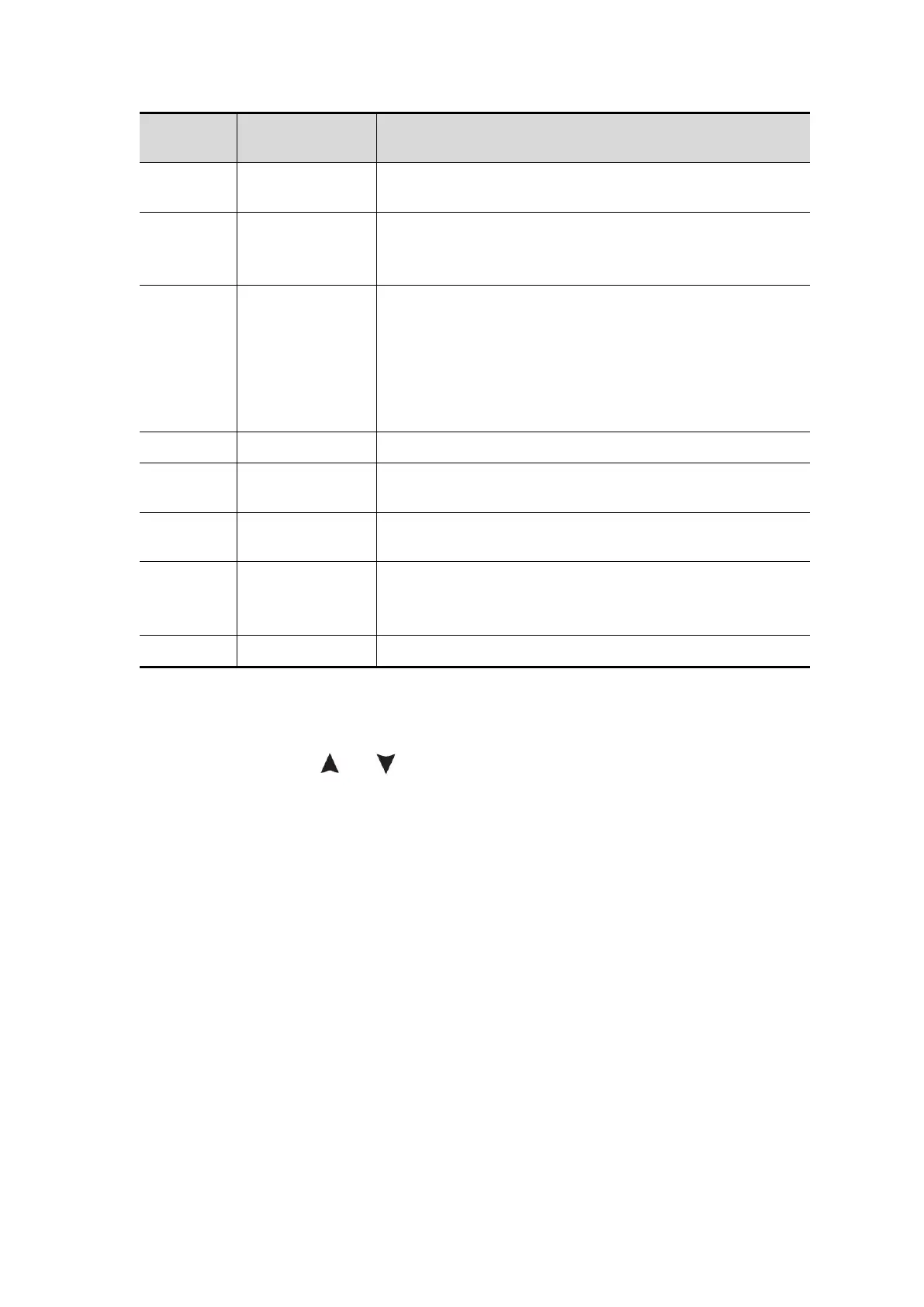
Set Channel 1 as the source trigger signal.
Set Channel 2 as the source trigger signal.
Set to prevent DC component from passing
through.
Set to allow all components to pass through.
Waveforms can be acquired without detecting
trigger conditions.
The waveform is acquired only when the trigger
conditions are met.
When a trigger is detected, a waveform is sampled
and then stopped.
Trigger on the rising edge of the signal.
Trigger on the falling edge of the signal.
The trigger position is set in the middle of the
waveform.
Forced trigger key, which forcibly generates a
trigger signal, mainly used in the "normal" and
"single" modes of the trigger mode.
Return to the previous menu.
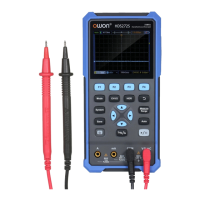
Trigger electrical level: The amplitude level that the signal must cross when
setting the waveform acquisition. Press the Trig/△ key to enter the trigger
menu, and press the or key to move the trigger electrical level up and
down.
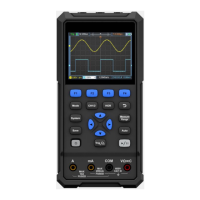
Save Settings
Press the Save key to enter the save function menu. By operating the save
function menu, oscilloscope settings, reference waveforms, and files can be
stored.
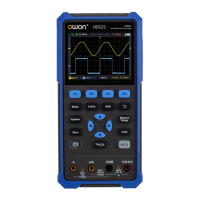
Configure
Any setting can be saved inside the oscilloscope, and restore settings can also
be called.
The description of Configure menu is as follows:


 To Next Page