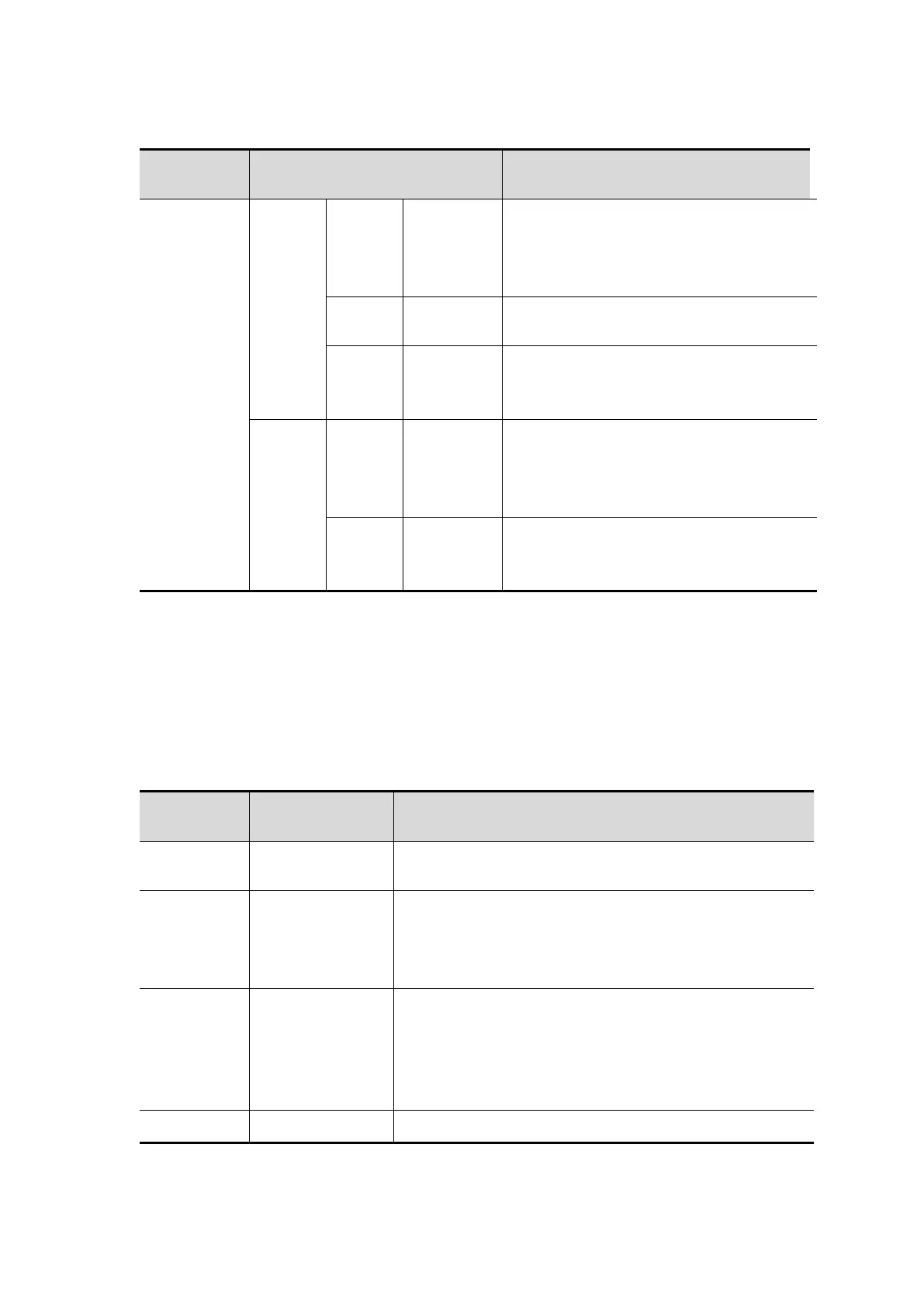
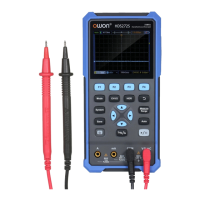
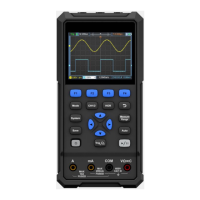
The description of File menu is as follows:
Select the file name of the stored
waveform.
Select the waveform channel to be
saved.
Store the waveform of the source in
a csv file named by the specified file
name.
Select the file name of the stored
wave image.
Store the current screen image in
the bmp file named by the specified
file name.
System Settings
Press the System key to enter the system function menu.
Display
The description of the menu is as follows:
Set the screen backlight to increase in a 10%
cycle.
Set the screen backlight luminance time.
Unlimited means always on.
Set the menu display time.
Display how long it has been powered on.
System


 To Next Page