84
Instruments and controls
11. Speedometer display
See section 'Warning indicators on instrument panel' in the chapter
'Master display'.
Instrument panel location A1 and A2
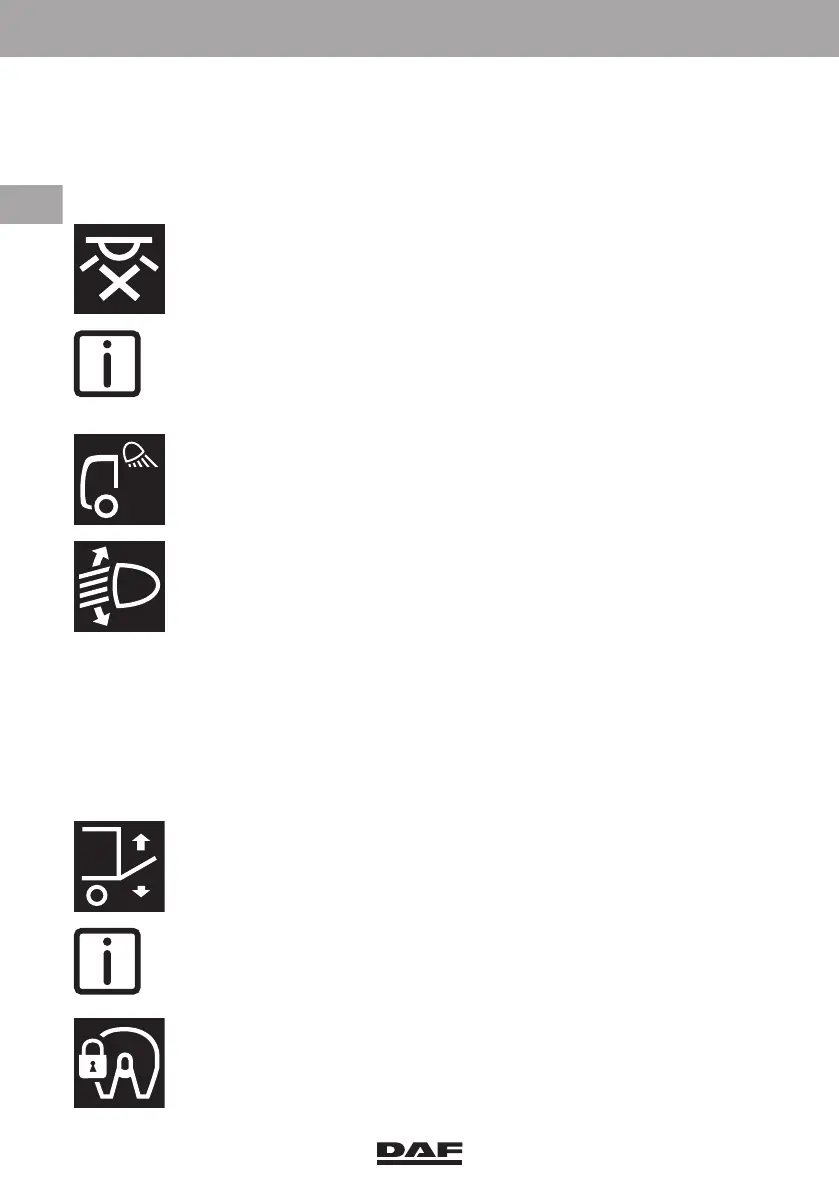
A1.(1). Interior lighting on/off switch
Press this switch to extinguish all the interior lighting in the cabin.
A red indicator light in the switch indicates that the interior lighting is
switched off
NOTE: With this switch in the 'off' position the interior lighting remains off
when a door is opened.
Only the background lights in the interior lighting on/off, the central door
locking and both spotlight switches goes on.
A1.(2). Work light or loading space light switch
Use this switch to switch the work light on the cabin cross member or the
lighting in the loading space on or off.
A1.(3).Headlight height adjustment
The height setting of the headlights can be adjusted with a thumbwheel.
By turning this thumbwheel, the headlights can be directed upward or
downward.
The headlights only react on changes of the thumbwheel position with
the light switch in position 2 (dipped beam is on).
The positions on the thumbwheel are as follows;
– The position marked '0' is the normal position.
– The headlights are directed upwards in three steps marked 'I', 'II' and
'III'.
– To avoid dazzling oncoming traffic, the headlights can be directed
downwards by turning the thumbwheel to the position marked '-/-'.
A2.(1). Rigid: Tail lift
The tail lift can be activated with this switch.
A green indicator light in the switch indicates that the tail lift is switched
on.
NOTE: This switch has a lock and a green indicator light.
A2.(1). Tractor: Fifth wheel slider lock
The fifth wheel slider can be locked or unlocked with this switch. See
'Fifth wheel slider control' in the section 'Fifth wheel' of chapter 'Coupling
and uncoupling'
DW63246305.book Page 84 Friday, March 22, 2019 4:54 PM






 To Next Page